Venezuela Cedula de Identidad Photo — Exact SAIME Requirements
Get a perfectly compliant reference photo for Venezuela's Cedula de Identidad, matching the official SAIME white-background standard used for printed carnet requests.
This photo must be taken by an accredited service
For this document, Venezuela does not accept a self-prepared photo. By law it must be captured on site by an authorised service and submitted electronically, so we cannot produce a submittable file for it. The official specification is shown below so you know exactly what to expect at your appointment.
This photo is captured on site — but we can make your Venezuela photos online:
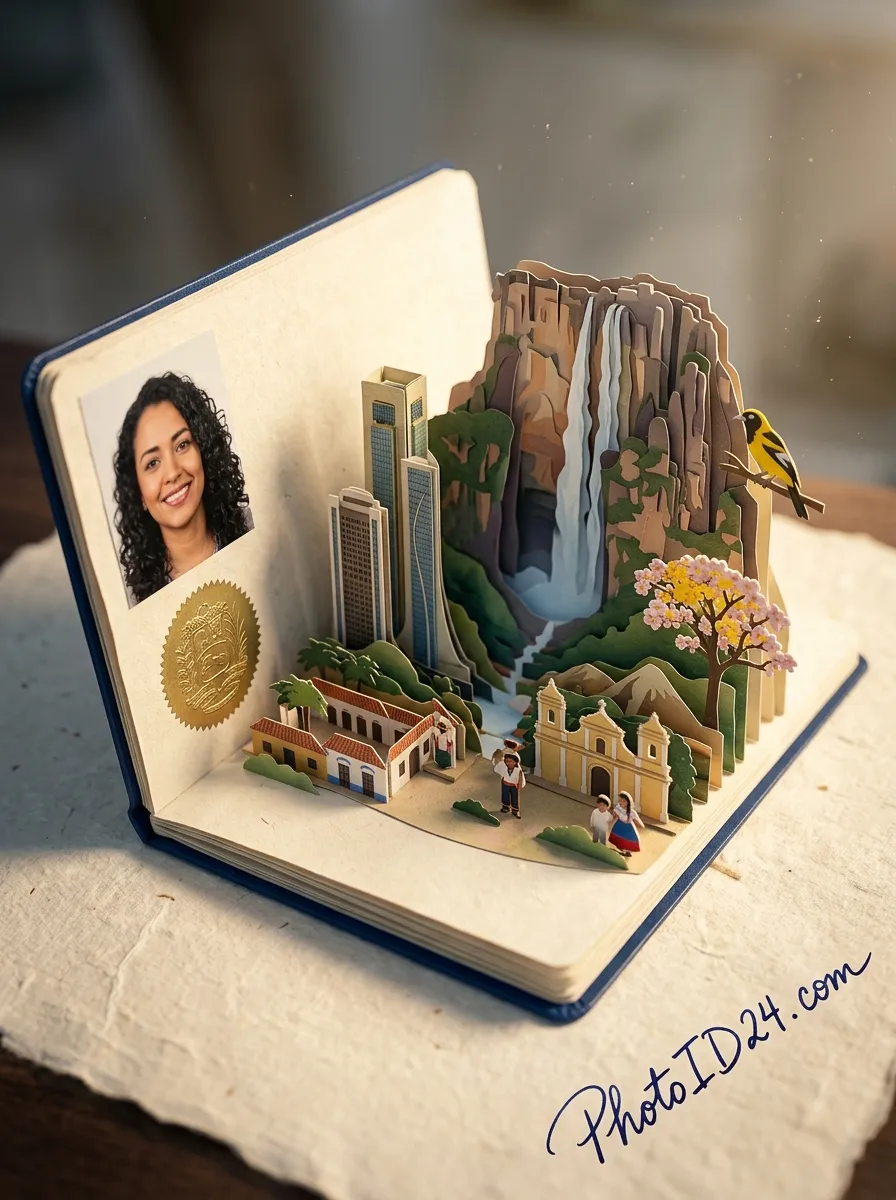
A document photo is a headache of its own
A Venezuela National ID card photo has strict requirements, and a mistake costs time and money. We’ll show you how to pass on the first try.
It gets rejected
Wrong size, background or cropping — and the system returns the application.
Expensive and slow
A trip to a photo studio means a queue, time and €7–12 for a reshoot.
Confusing requirements
Exact size, head height, light background, facial expression — easy to get wrong.
Redo it all over
Rejected — take another photo, pay and submit again. Round and round.
«Below are the exact requirements from the official source, so you arrive at your appointment prepared.»
Ordinary photo → ready for submission
We remove the background and clutter, set the framing and lighting — keeping your face without «beautifying».
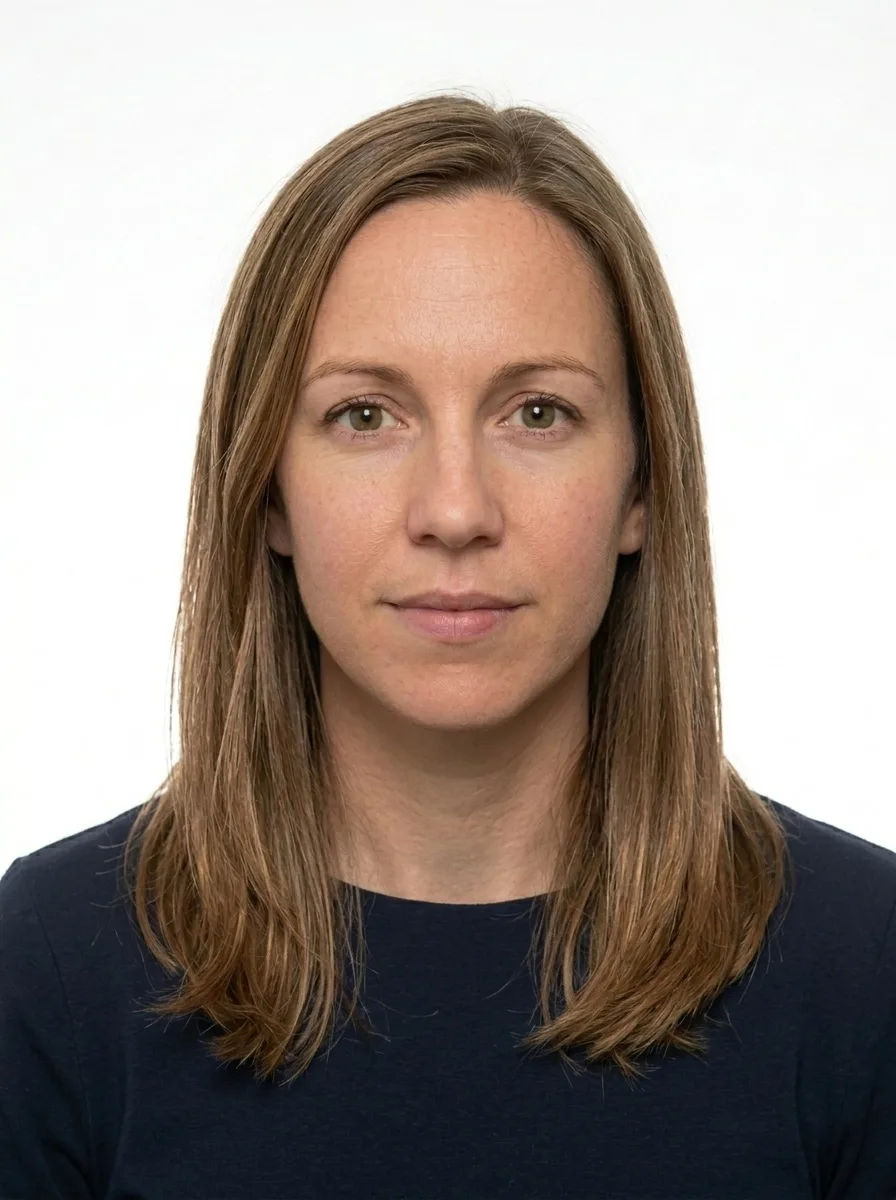
Your face stays yours — we do not change features, only the background, lighting and framing.
Your National ID card photo: what matters
A compliant photo for Venezuela's Cedula de Identidad must meet the standards set by SAIME (Servicio Administrativo de Identificación, Migración y Extranjería), the government body responsible for identity documents in Venezuela. The specification mirrors the white-background 2×2 inch passport standard: a square format, clean white field, and a clear, neutral portrait — precision that leaves no margin for interpretation at the counter.
One important fact that every applicant should know: for the Cedula itself, SAIME captures your photo digitally on-site during your scheduled appointment at an office. The same live-capture pipeline used for Venezuelan passports applies here. This means you will not hand over a printed photograph when you sit down at the window — the officer photographs you directly. However, a standard-compliant reference image remains genuinely valuable: many supporting processes, visa applications, and third-party carnet requests that accompany or follow the cedula appointment do require a submitted photo matching these exact proportions. Arriving prepared — knowing precisely how a compliant photo must look — means you can sit confidently for the on-site capture and have a ready image on hand for every related step.
- Size: 51 × 51 mm (digital equivalent: 1205 × 1205 px)
- Background: Pure white (#FFFFFF) — no shadows, gradients, or patterns
- Face coverage: 70–80% of the frame height
- Expression: Neutral, mouth closed, eyes open and looking directly at the camera
- Glasses: Not permitted
- Headwear: Permitted for verified religious reasons only
- Recency: Photo must reflect your current appearance (taken within the last 6 months)
- Image quality: Sharp focus, even lighting, no pixelation or compression artifacts
- Common reasons photos are rejected for Venezuela documents:
- Off-white or cream background: Venezuela's SAIME standard requires pure white (#FFFFFF). Ivory or grey-tinted backgrounds — common with home printers — are rejected outright.
- Face too small in the frame: If the face occupies less than 70% of the frame height, the proportions fall outside the cedula/passport specification and the image is refused.
- Glasses present: Any eyewear, including clear-lens frames, is not permitted under current SAIME regulations.
- Uneven or harsh lighting creating facial shadows: Shadows across one side of the face or strong reflections on the forehead are grounds for rejection, as they interfere with biometric recognition.
Use our tool to produce a reference image that is automatically sized to exactly 51 × 51 mm at 1205 × 1205 px, with the background cleared to pure white and the face centered to the 70–80% framing standard. A free watermarked preview is available before any payment, so you can verify the result yourself. Walk into your SAIME appointment knowing exactly what a compliant portrait looks like — and keep your ready-to-use image for any visa, carnet, or auxiliary document that requires a submitted photo.
What an accepted National ID card photo looks like
Venezuela · 51 × 51 mm. Tap any requirement to see what it means on a real photo.
- Size
- 51 × 51 mm · 1205 × 1205 px
- Background
- White plain
- Head in frame
- 70–80%
- Glasses
- Not allowed
- Facial expression
- Neutral, mouth closed
- Headwear
- Only for religious reasons
- File
- JPG · ≤ 2 MB
Print size is 51 × 51 mm and the digital file is 1205 × 1205 px.
Official requirements source: saime.gob.ve
Requirements verified: 09.2026
How to take a good photo
The most common reasons a Venezuela National ID card photo gets rejected — and how to avoid them. Compare good and bad shots.

1Format and freshness
A color photo taken no more than 6 months ago.

2Lighting and background
Even light with no shadows on the face; a plain light background, without glare.

3Head position
Face head-on, head centered, no tilt or turn.

4Facial expression
Neutral, mouth closed, eyes open and looking at the camera.

5Glasses and accessories
No glasses (especially sunglasses); eyes fully visible, without glare.

6Headwear
Only for religious reasons and not covering the face — the face fully visible.

7Clothing
Ordinary everyday clothes; no uniforms or face-covering clothing.
Common questions about Venezuela National ID card photos
Does SAIME require me to bring a printed photo to the Cedula de Identidad appointment?
What is the exact photo size for the Venezuela Cedula de Identidad?
What background colour is required, and why is off-white rejected?
Are glasses allowed in the Venezuela ID card photo?
How much of the frame should my face fill?
Can I wear a headscarf or turban in the photo?
Your photo is protected
A photo is personal data, so we handle it carefully and in line with GDPR. We process it only to prepare the document and delete it within clear deadlines.
- Only with consentWe process the photo only after your explicit consent before upload.
- Auto-deletionWe delete the source photo within a day, the ready file after 7 days.
- No sharing with third partiesYour photos are not sold or used to train any third-party systems.
- Deletion on requestYou can ask to delete your data at any time — with a single request.