Palestine National ID Card (Hawiyya) Photo — Exact Official Standard
Get a compliant photo for the Palestinian Hawiyya ID card: 35×45 mm, plain blue background, automatically prepared to the official specification.
- Meets ICAO 9309
- SSL-secured payment
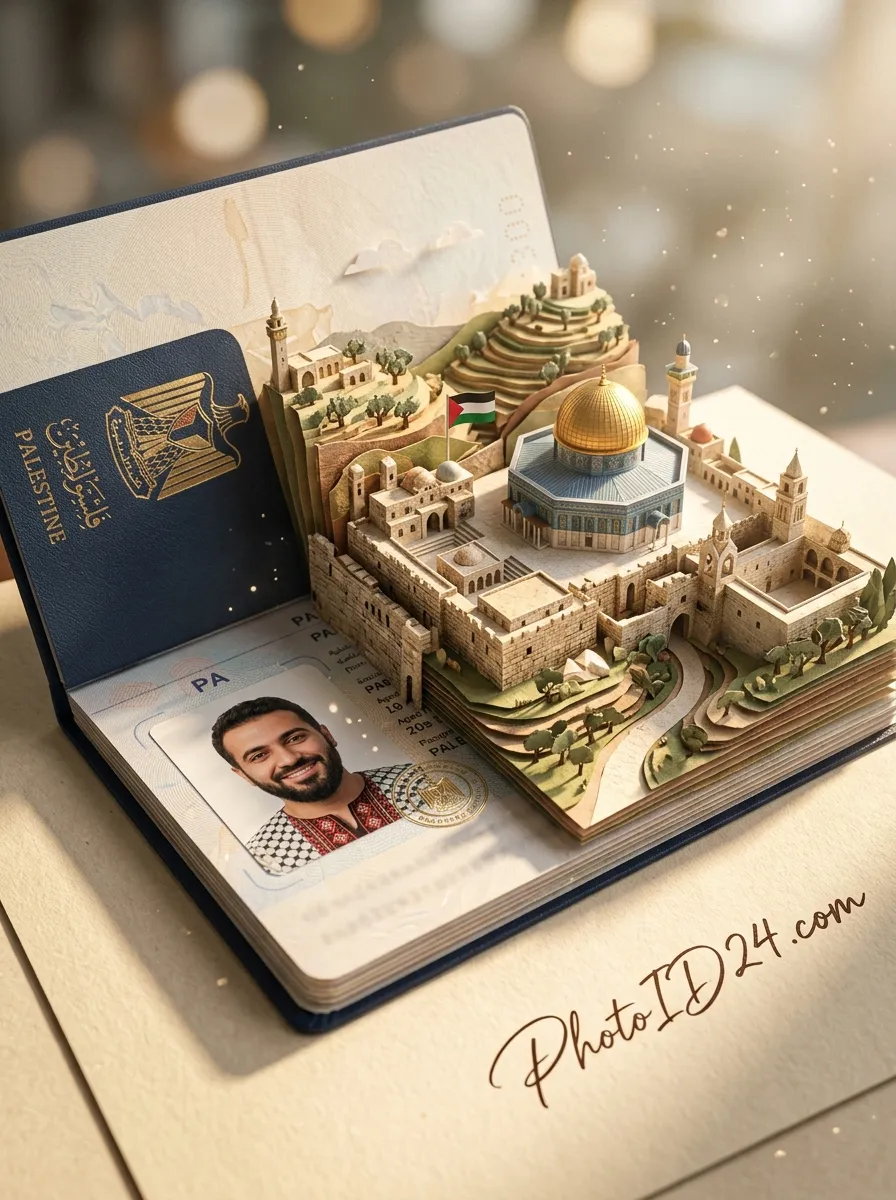
Where to take the photo from?
Processing your photo...
Loading the image…
Done! Review and pay
This is a watermarked preview. After payment we send the clean file, ready to submit.
Check against document requirements
| Delivery | File by email right after payment |
|---|---|
| Included | Photo + self-print sheet — free |
| Guarantee | Rejected? Refund or free redo |
| Standard | Meets ICAO 9309 |
| Payment | Secure (SSL) · Visa · Mastercard |
| Privacy | GDPR · photos deleted automatically |
A better photo is needed
- Good even lighting, no shadows
- Face straight, neutral expression, mouth closed
- Plain light background
- Camera at eye level, not too close
A document photo is a headache of its own
A Palestine National ID card photo has strict requirements, and a mistake costs time and money. We’ll show you how to pass on the first try.
It gets rejected
Wrong size, background or cropping — and the system returns the application.
Expensive and slow
A trip to a photo studio means a queue, time and €7–12 for a reshoot.
Confusing requirements
Exact size, head height, light background, facial expression — easy to get wrong.
Redo it all over
Rejected — take another photo, pay and submit again. Round and round.
«PhotoID24 does it all for you: upload an ordinary photo — get a ready file exactly matching the official requirements.»
A ready photo in three steps
A compliant Palestine National ID card photo in a couple of minutes: upload a selfie and we professionally fit the 35 × 45 mm size, background and margins to the official requirements.
Upload a photo
Camera or gallery.
We prepare it
White background, the exact size and resolution for your document.
Download and submit
Pay and get the ready file by email — for 9,99 €. Free re-edits until your document is accepted.

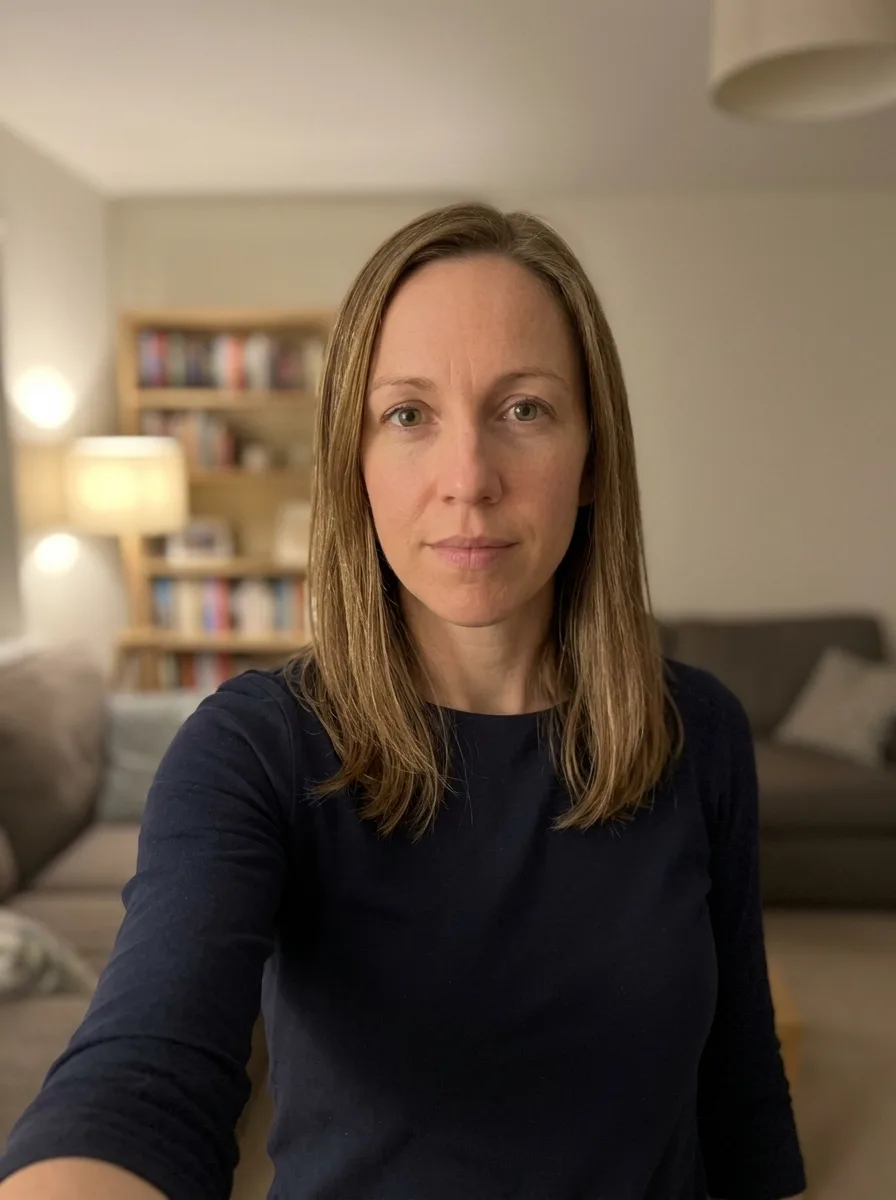
Ordinary photo → ready for submission
We remove the background and clutter, set the framing and lighting — keeping your face without «beautifying».
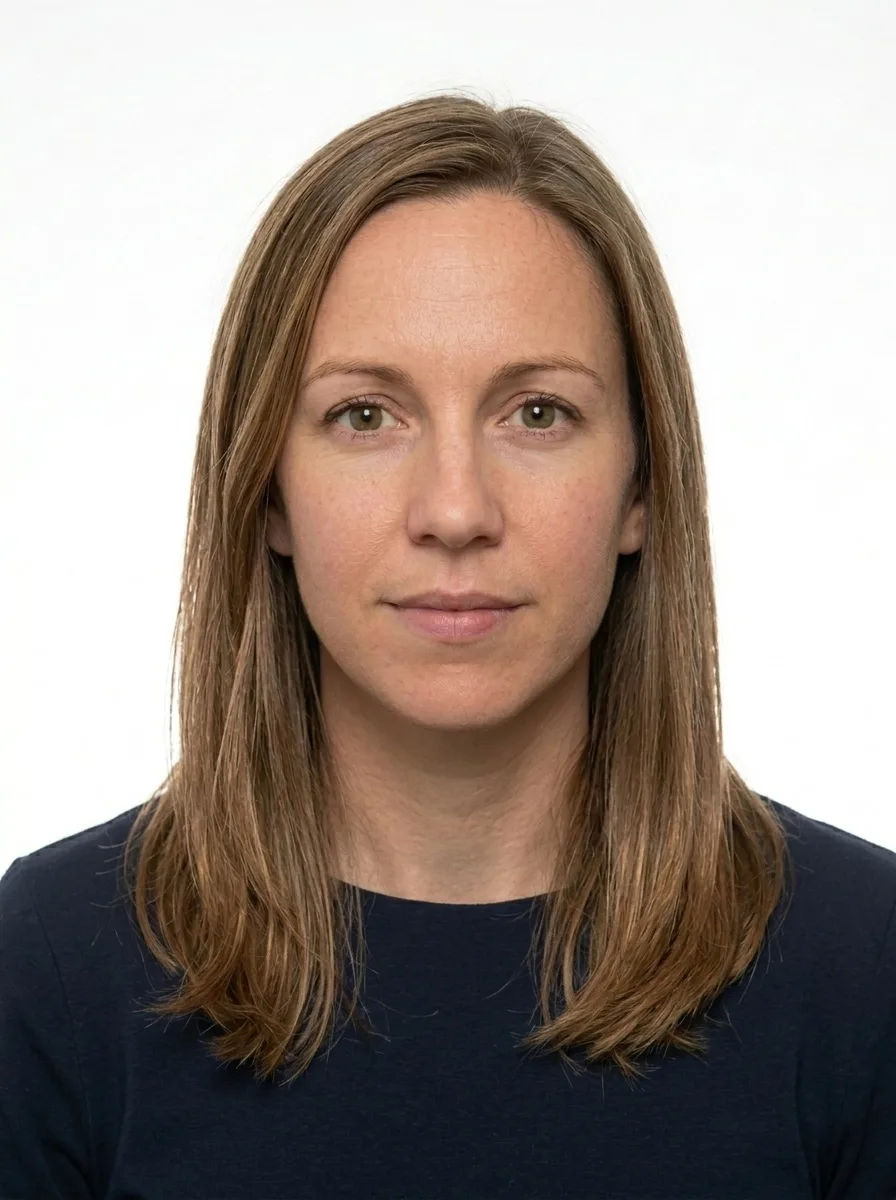
Your face stays yours — we do not change features, only the background, lighting and framing.
Your National ID card photo: what matters
A compliant photo for the Palestinian national identity card — the Hawiyya — must meet the unified national standard issued by the Palestinian Civil Affairs Authority. Getting it right on the first submission saves time and repeat visits; the requirements are precise and strictly enforced at registration offices in both the West Bank and Gaza.
The most distinctive feature of the Palestinian Hawiyya photo is the plain blue background (hex #6FA8DC). This requirement is shared with the Palestinian biometric passport, making the national standard internally consistent but different from the white or off-white background used by most other countries. Any tint, gradient, or shadow behind the head will cause the photo to be rejected. Applicants who visit a local studio and receive a photo on a white or grey background — which looks professional by global norms — are frequently turned away at the counter. The blue background rule is not obvious and is the single most common source of preventable rejections.
- Size: 35 × 45 mm (digital equivalent: 827 × 1063 px at 600 dpi)
- Background: plain blue (#6FA8DC), uniform, no shadows or colour variation
- Face height: 70–80% of the total frame height, head centred
- Expression: neutral, mouth closed, eyes fully open and looking directly at the camera
- Glasses: not permitted under any circumstances
- Headwear: only permitted for religious reasons; the full face must remain fully visible
- Photo age: taken within the last 6 months, accurately reflecting current appearance
- Print quality: sharp focus throughout, no pixelation, no red-eye, no retouching that alters facial features
- Wrong background colour: using white, grey, or any non-blue background is the leading cause of rejection — studios unfamiliar with the Palestinian standard routinely make this mistake
- Shadows on the background or face: even slight shadows from studio lighting on the blue backdrop or under the chin violate the no-shadow rule
- Glasses worn in the photo: eyeglasses of any kind, including tinted or prescription, are not accepted — they must be removed regardless of medical need
- Photo older than 6 months or not reflecting current appearance: significant changes in hair, beard or weight since the photo was taken can trigger a request for a new photo at the office
To get a ready-to-submit photo, upload any clear, well-lit picture of yourself. The photo is automatically cropped and sized to the exact 35 × 45 mm / 827 × 1063 px specification, the background is replaced with the correct official blue, and the face proportion is verified to sit within the required 70–80% frame height. You see a free watermarked preview before paying anything. Pay only for the final file — and if the photo is rejected by the issuing office for any technical reason, we will redo it at no charge or refund you in full. No reprints, no repeat studio visits.
How we make your National ID card photo meet the official standard — Palestine, 35 × 45 mm
Every photo is prepared against the official requirements for your document — not a generic template. Here is what that means in practice:
- 1We crop and size your photo to the exact millimetre and pixel dimensions the authority requires.
- 2We check the background, head position, gaze and lighting, and flag glasses or head coverings that are not allowed.
- 3We match the rules to the specific document and country, against the exact format requirements.
- 4If anything does not meet the standard, you get a free re-do or your money back.
What an accepted National ID card photo looks like
Palestine · 35 × 45 mm. Tap any requirement to see what it means on a real photo.
- Size
- 35 × 45 mm · 827 × 1063 px
- Background
- Light plain
- Head in frame
- 70–80%
- Glasses
- Not allowed
- Facial expression
- Neutral, mouth closed
- Headwear
- Only for religious reasons
- File
- JPG · ≤ 2 MB
Print size is 35 × 45 mm and the digital file is 827 × 1063 px.
Requirements verified: 09.2026
A digital photo is normal, and it gets accepted — Palestine, 35 × 45 mm
You do not need a trip to a studio. Authorities accept any National ID card photo that meets the official requirements — what matters is the standard, not where the photo was made. We match that standard exactly.
The standard is what counts
Officials check your photo against the rules — size, background, head position and lighting — not where you took it.
Part of official processes
Many passport, visa and ID services let you upload a digital photo or submit a print — both are fine when they meet the spec.
Same result as a studio
We prepare your file to the exact official measurements, so it is accepted just like a professional studio photo.
And you are covered
If a photo is ever rejected for not meeting the requirements, we redo it for free or refund you.
How to take a good photo
The most common reasons a Palestine National ID card photo gets rejected — and how to avoid them. Compare good and bad shots.

1Format and freshness
A color photo taken no more than 6 months ago.

2Lighting and background
Even light with no shadows on the face; a plain light background, without glare.

3Head position
Face head-on, head centered, no tilt or turn.

4Facial expression
Neutral, mouth closed, eyes open and looking at the camera.

5Glasses and accessories
No glasses (especially sunglasses); eyes fully visible, without glare.

6Headwear
Only for religious reasons and not covering the face — the face fully visible.

7Clothing
Ordinary everyday clothes; no uniforms or face-covering clothing.
What those who already got their photo say
Real stories from people who submitted documents with a photo from our service.
Took a selfie on my phone and a minute later had a proper passport photo. Accepted with no problems.
I was worried about the size and background, but it came out exactly right. Saved me a trip to the studio.
Simple and fast. The free preview let me check everything before paying.
Did it at home in the evening. Looked professional, no issues at the office.
Honestly easier than I expected. Uploaded a photo, downloaded the correct one. Done.
Great for the kids — no need to drag them to a studio. The background came out clean and even.
Three ways to get a National ID card photo
A professional online service, a local photo studio, or editing it yourself — here is how they compare.
| What matters | PhotoID24 | Photo studio | Editing it yourself |
|---|---|---|---|
| Meets the official standard | Yes | Yes | No |
| Tuned to this exact document | Yes | Depends | No |
| Free re-do if something is off | Yes | No | Depends |
| Done from home, no trip | Yes | No | Yes |
| Ready in minutes | Yes | Depends | Depends |
| Clear, affordable price | Yes | No | Yes |
Palestine National ID card photo price
No extra plans. Pay only if the result works for you — preview is free.
- Exact size and background for your document standard
- High resolution — for online submission and printing
- Free re-edits until your document is accepted
- Link by email, securely stored for 7 days
Money back if the photo is rejected
A print-ready sheet is included — print it yourself at any photo kiosk or online service (Walmart, CVS, CEWE, Boots, Rossmann, etc.). Listed services are not affiliated with us. Want ready prints delivered? Add them at checkout. Where to print a document photo →
- Meets ICAO 9309
- SSL-secured payment
- GDPR · photo auto-deleted
- Refund if photo rejected
- Visa · Mastercard
Guarantee for your Palestine National ID card photo
We are confident in the result. If the photo is still rejected — send us a screenshot and we will refund your payment within 48 hours. No arguments.
- Refund within 48 hours
- Only a screenshot of the rejection is needed
- Money back to your card
Common questions about Palestine National ID card photos
Why does the Palestinian Hawiyya require a blue background instead of white?
What are the exact dimensions for a Palestinian ID card photo?
Can I wear glasses in my Palestinian ID card photo?
Is religious headwear allowed in the Hawiyya photo?
Do I pay before or after I see the result?
What happens if the photo is rejected at the Palestinian ID registration office?
Your photo is protected
A photo is personal data, so we handle it carefully and in line with GDPR. We process it only to prepare the document and delete it within clear deadlines.
- Only with consentWe process the photo only after your explicit consent before upload.
- Auto-deletionWe delete the source photo within a day, the ready file after 7 days.
- No sharing with third partiesYour photos are not sold or used to train any third-party systems.
- Deletion on requestYou can ask to delete your data at any time — with a single request.
Your Palestine National ID card photo — ready in a couple of minutes
Upload an ordinary photo — in a minute get a file ready for submission. Preview is free.
Get my photo
Drag the slider to compare