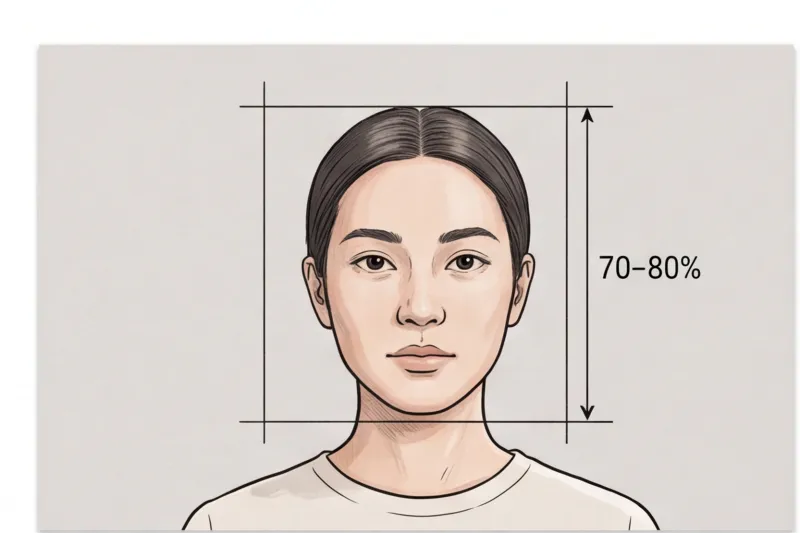
What are the biometric rules for a citizenship picture?
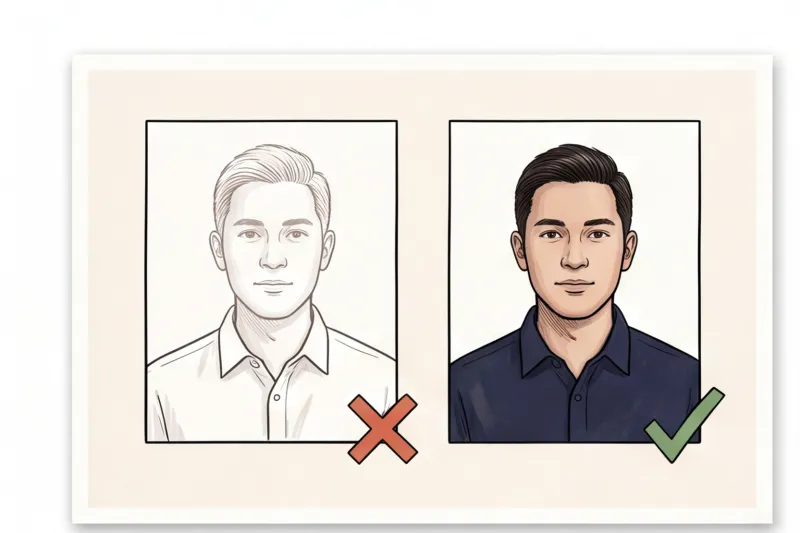
A citizenship photo is not a standard portrait; it is precise biometric data. To meet official technical requirements, your naturalization picture must follow a rigid set of rules: you must face the camera straight on, maintain a strictly neutral expression with your mouth closed, and ensure the image is captured against a plain, light background with completely even lighting.
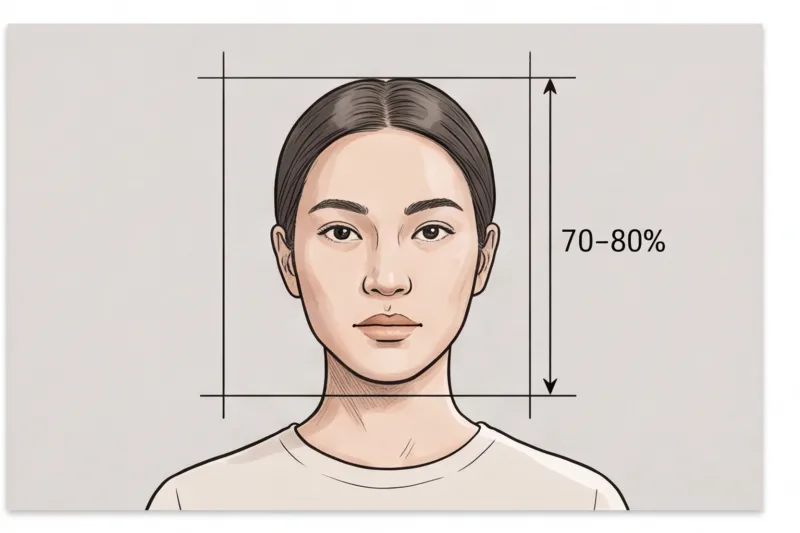
When an immigration officer processes your naturalization application, they are entering your facial geometry into a secure national database. Because of this, citizenship and naturalization photos follow the exact same strict biometric standards as global passports. These guidelines are anchored in ICAO Doc 9303, the international standard that national authorities worldwide use to process machine-readable travel and identity documents. Whether you are applying in North America, Europe, or Australia, the foundational rules remain the same. We cover how these baseline criteria apply across different borders in our complete guide to global passport photo requirements.
To ensure your photo meets the official technical requirements for your specific country, every element of the composition must be controlled. In practice, adhering to the following core rules will prevent the vast majority of application delays:
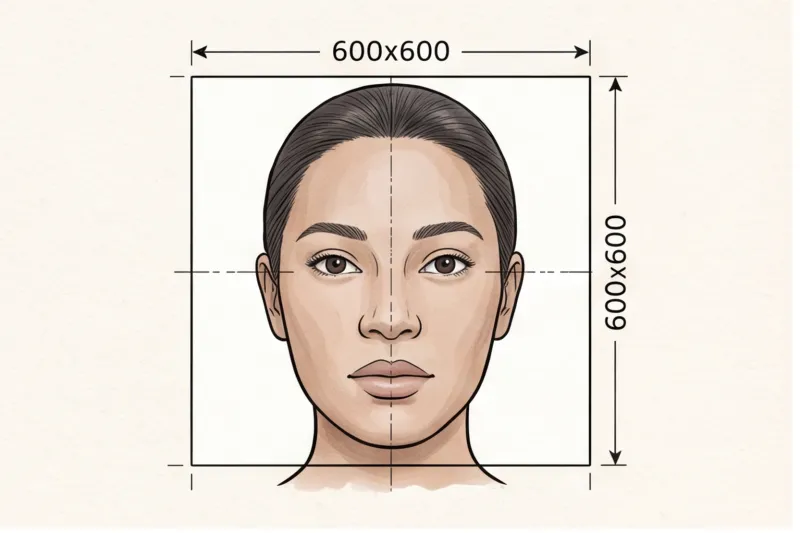
- Posture: You must sit or stand with your face straight to the camera. Keep your head perfectly centered in the frame, your eyes level, and your shoulders square. Even a slight tilt of the chin or a sideways turn of the head alters your facial proportions and breaks biometric scanning rules.
- Expression: The single most common reason for rejection is a non-neutral expression. You must keep your mouth closed, and both eyes must be open, looking directly at the lens. There can be no smiling, frowning, or raised eyebrows, as these expressions distort the natural distance between your facial features.
- Background: The backdrop must be completely plain, light, and uniform. Depending on the country granting citizenship, this is typically stark white or light grey. The background must be entirely free of patterns, visible textures, objects, or other people.
- Lighting: You need perfectly even lighting across both your face and the background to prevent biometric distortion. Harsh, dark shadows on one side of your face, or a distinct drop-shadow cast behind your head, will cause immediate rejection. Avoid glare on your skin, red-eye effects, or unnatural color casts.
What will get a citizenship photo rejected?
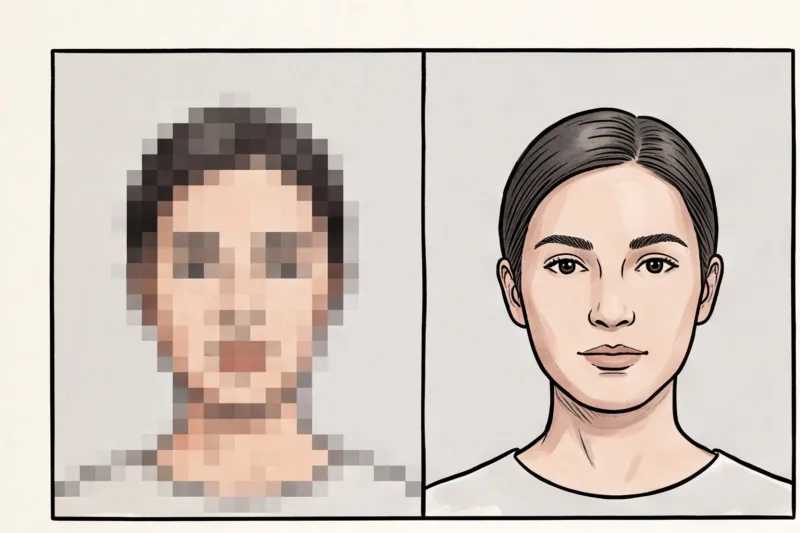
A citizenship photo will be rejected if it features a non-neutral expression, visible shadows, digital filters, or if you are wearing glasses in a jurisdiction that explicitly bans them. Furthermore, submitting any picture that is older than six months and fails to match your current facial geometry will result in an automatic denial.
In practice, the most frequent reasons a naturalization application is delayed come down to easily avoidable technical errors. We cover the overarching standards in our complete guide, but when authorities review your submission, they are actively scanning for specific flaws that corrupt facial recognition software.
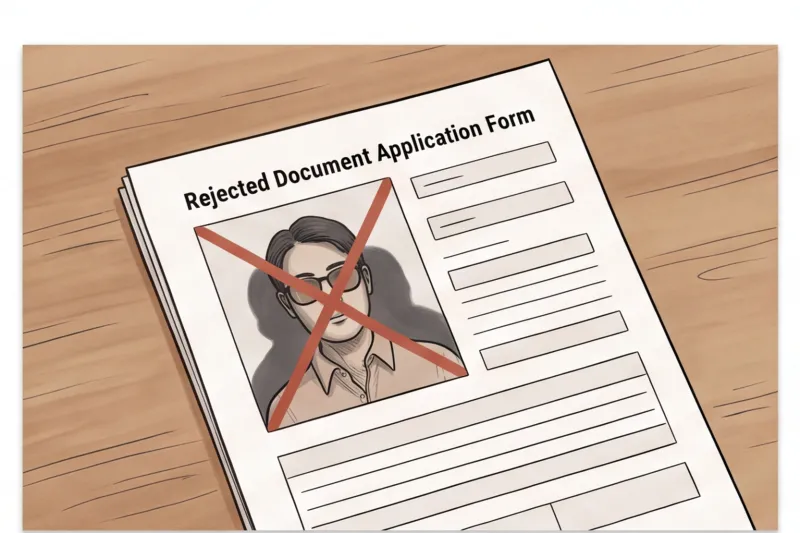
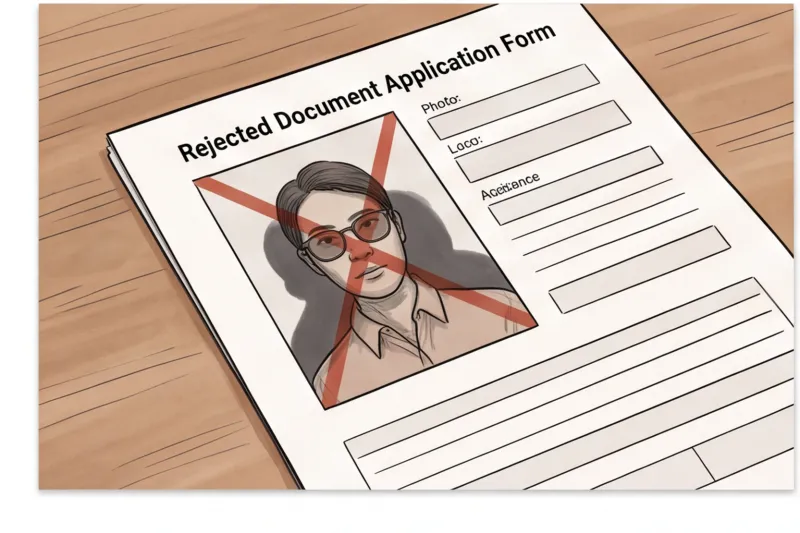
The most common rejection triggers include:
- Non-neutral expressions: Smiling, frowning, raised eyebrows, or having your mouth open shifts your facial landmarks. Biometric systems require a completely relaxed face to map the exact distance between your eyes, nose, and chin.
- Wearing glasses: Leaving everyday eyewear on is a very common mistake. Glasses are increasingly banned outright for official documents across many countries, including the United States and most of the European Union. Glare on the lenses or frames covering the eye sockets block crucial biometric data. The default guidance is to remove your glasses entirely unless you have a documented medical exception allowed by the specific country.
- Shadows and poor lighting: Harsh, uneven lighting creates heavy shadows on the face or casts a dark silhouette on the background behind your head. Both issues prevent scanning software from correctly identifying your natural facial outline.
- Digital manipulation: Submitting a digitally retouched selfie is a guaranteed way to fail the biometric check. You must not use smartphone filters, skin smoothing apps, or any digital beautification. The photo must accurately reflect your current, natural appearance without any reshaping of features.
- Not recent: Official guidelines universally mandate that your photo be taken within the last 6 months. Submitting an older image that no longer aligns with your current appearance is a fast track to rejection.
Get your document photo in 2 minutes
Upload a normal selfie and receive a compliant document photo that meets the official technical requirements for your country and document — ready to print or submit online.
Make my photoHow do I make a 2x2 photo for my citizenship application? (Sizes and Dimensions)
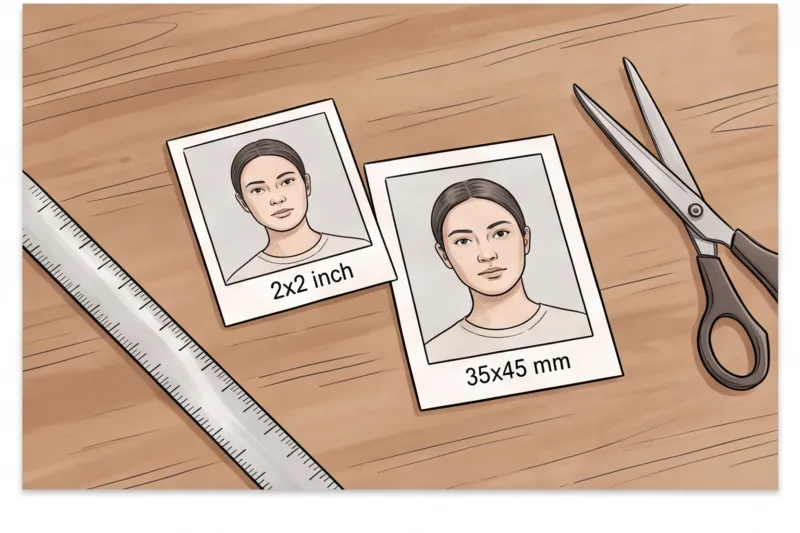
There is no single global size for naturalization photos. If you are applying for United States citizenship, the mandatory size is exactly 2 x 2 inches (51 x 51 mm). However, other countries enforce entirely different dimensions, meaning you must always follow the specific standard of the nation granting your citizenship.
In practice, cropping is where many home-printed applications fail. For US applications, the 2 x 2 inch square format is non-negotiable. Conversely, if you are finalizing citizenship in the United Kingdom, Australia, or most countries in Europe, the standard required dimension is typically 35 x 45 mm in a portrait orientation.
Beyond the outer dimensions, biometric standards rigorously dictate the internal scaling of the image. Across most ICAO-aligned countries, your face must fill roughly 70–80% of the frame height. Yet, the exact required measurement from the bottom of your chin to the crown of your head is entirely country-specific. If you submit a 2x2 inch photo but your face is too small or too large within that square, the official biometric system will reject it.
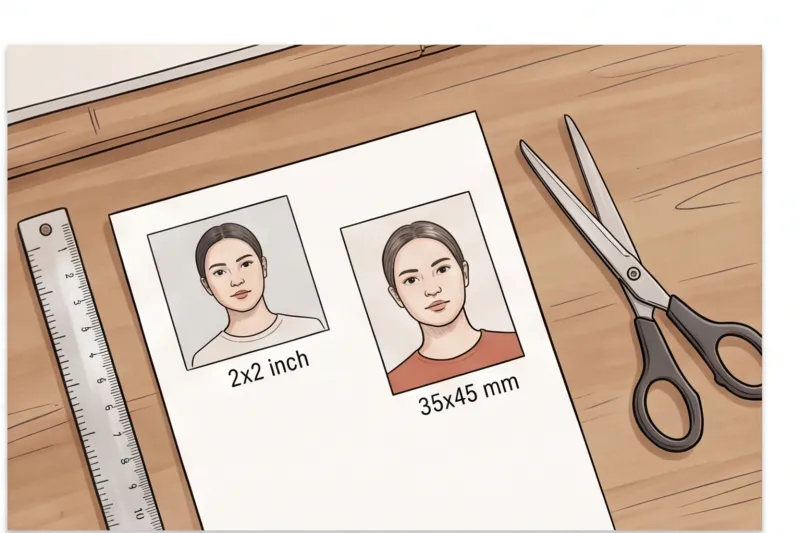
Because these metrics are so precise, guessing the crop is a high-risk strategy. Always check the specific country's official authority—such as the U.S. Department of State or the UK Home Office—for exact print sizes and head-height ratios. To avoid the stress of manual measurement, you can browse the exact document requirements in the PhotoID24 catalog. Simply select your destination country, and our professional service will automatically adjust your picture to meet the precise, officially sourced specification for that jurisdiction.
What are the citizenship photo requirements for makeup and appearance?
Everyday makeup is allowed in a citizenship photo, provided it does not alter your natural appearance or obscure your facial features. You must avoid heavy contouring or dramatic eyeliner that changes the shape of your face. Normal, everyday clothing that contrasts with the background is required, while uniforms are generally prohibited.
In practice, attempting to reshape your face with cosmetics is a frequent cause of rejection. Biometric software must accurately map your actual facial geometry. Stick to neutral tones and avoid heavy contouring, large false lashes, or dramatic eyeliner that changes the visible shape of your eyes. While covering a temporary blemish is perfectly fine, makeup that alters your core appearance defeats the purpose of the biometric check.
Your hair must not obscure your eyes or the outline of your face. Even if you normally wear a fringe that drapes over your eyebrows, biometric standards require your full facial structure to be visible. The most reliable fix when taking your photo is to tuck your hair tightly behind your ears and pin back any loose strands. Voluminous hair is allowed, provided it does not cast shadows on your face or cover your cheekbones.
Head coverings are strictly banned unless worn daily for religious or medical reasons. If you wear one, your full face must remain entirely visible from the bottom of the chin to the top of the forehead, and the fabric must not cast any shadows on your skin. Medical and disability exceptions exist—such as accommodations for facial medical devices or the inability to open both eyes—but you must check your specific national authority's rules, as some countries require supporting documentation.
Finally, wear normal, everyday clothing. Uniforms are generally not permitted. To ensure your shoulders do not disappear into the plain, light background, wear a top in a darker or contrasting colour.
Ready to prepare your document photo?
Skip the studio. Upload a selfie and get a professionally prepared photo that meets the official technical requirements in about two minutes.
Get startedDo I need a printed or digital photo for my naturalization application?
Whether you need a printed or digital photo depends entirely on the country granting citizenship and your specific submission channel. Many governments now mandate digital photo uploads for online portals, while traditional paper applications and final naturalization certificates frequently still demand physical prints.
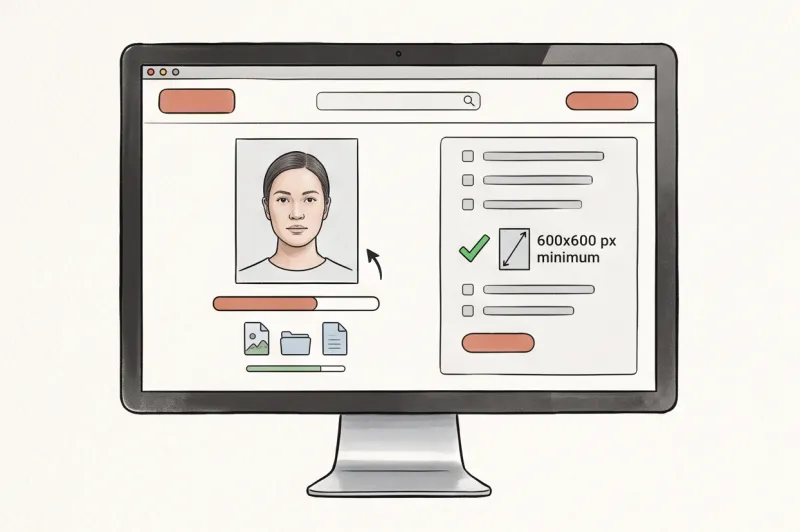
Application formats are modernizing rapidly. If your destination country uses an online portal, you must provide a digital photo that meets strict technical parameters, including precise pixel dimensions and file-size caps. For example, the U.S. Department of State requires a digital image of at least 600 × 600 pixels. Other nations have their own distinct pixel requirements, so you must never generalize or assume one digital format works everywhere. Always verify the exact digital specifications with the official authority, such as GOV.UK or your local immigration ministry.
Despite the digital shift, physical photos are far from obsolete. For many paper-based naturalization applications, you will need to submit printed photos — most commonly, two identical prints. These are often used to produce your final citizenship certificate.
In practice, a frequent reason physical photos are rejected is low technical quality. If you are printing at home, you cannot use standard office paper. You must use high-quality photo paper and check the authority's rule on whether a matte or glossy finish is required. Ensure the prints match the exact physical dimensions for that country and contain no white borders, unless specifically requested. To guarantee your image meets the official technical requirements without the hassle of manual formatting, you can use PhotoID24 to automatically prepare your citizenship photo for both digital submission and high-quality home printing in minutes.
How to take a compliant citizenship photo at home
Taking your own photo is highly convenient and officially acceptable, provided you follow the biometric rules strictly. You do not need an expensive photography studio to capture a compliant image; a standard modern smartphone easily exceeds typical print resolution requirements. The real challenge is executing a flawless physical setup and avoiding critical formatting errors.
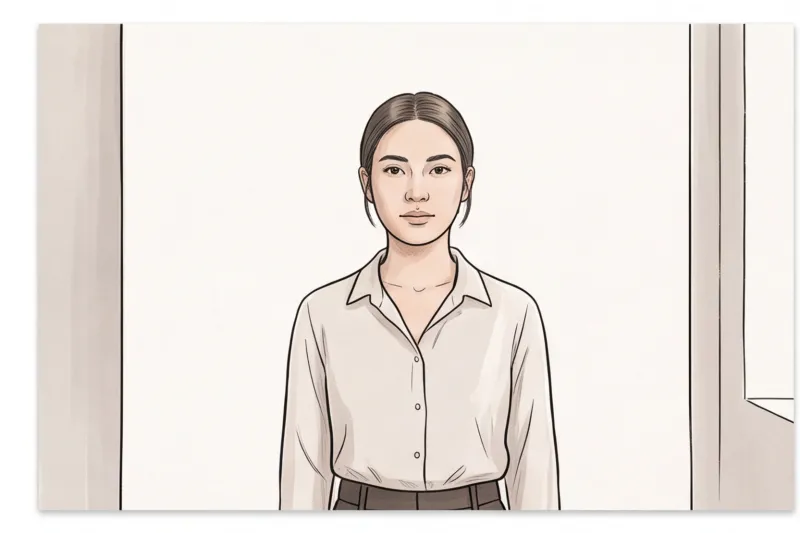
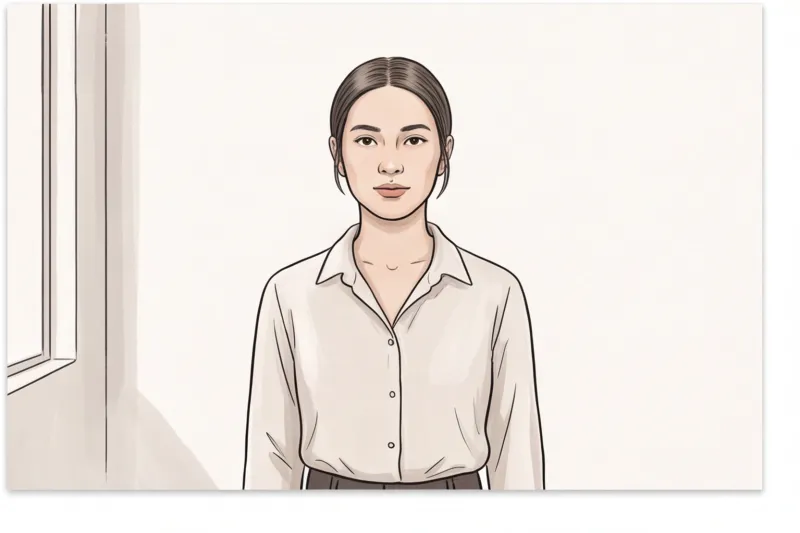
The most important element you must control at home is lighting. In practice, the most frequent reason a home-taken citizenship photo is rejected is uneven exposure or harsh shadows. Stand directly facing a large window to bathe your face in even, natural light. Keep a plain, light wall directly behind you—typically white or light grey, depending on your specific country's standard. Step roughly half a meter away from the wall to ensure you do not cast a visible shadow behind your head, which violates strict biometric background rules.
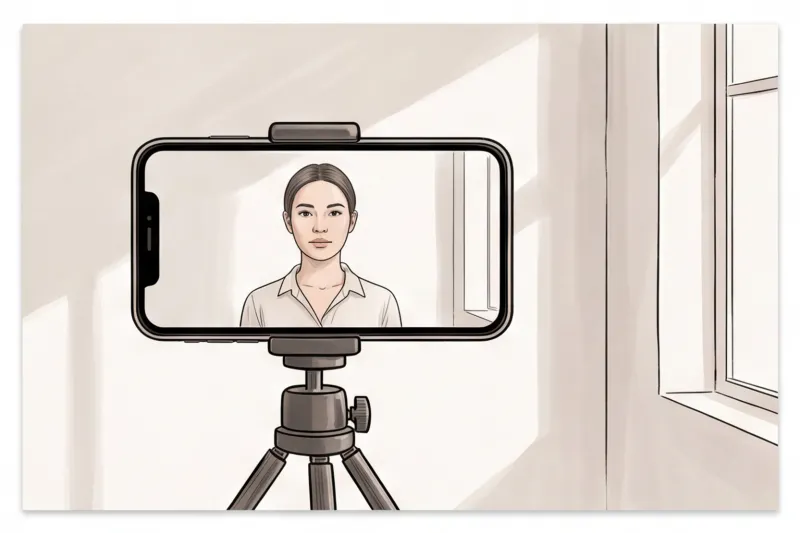
When it comes to capturing the shot, never attempt a hand-held selfie. Reaching for the camera alters your shoulder alignment, introduces an incorrect focal length, and invariably distorts the facial proportions required by ICAO Doc 9303 standards. Instead, have a friend take the photo or use a tripod. Position the camera lens exactly at eye level. Keep your shoulders square, your head perfectly centered, and maintain a neutral expression while looking directly into the lens.
Capturing a well-lit image is only the first step; formatting it for submission is where most DIY attempts fail. Do not use free online resizers or guess the crop yourself. The biometric rejection risks are simply too high. Every government authority mandates specific dimensions and head-height ratios—what works for a 2 x 2 inch photo will instantly fail a 35 x 45 mm standard. If you attempt to crop a photo manually, a millimeter of missing headroom or a slight aspect ratio error can trigger an automatic rejection of your application.
To avoid these pitfalls, use PhotoID24. You simply upload your normal photo, and our professional system will automatically adjust it to meet the official technical requirements for your specific country in minutes. It removes the guesswork by instantly correcting the crop, centering the head to the exact millimeter, and checking the background, ensuring your naturalization picture is ready for printing or online submission.
Get your document photo in 2 minutes
Upload a normal selfie and receive a compliant document photo that meets the official technical requirements for your country and document — ready to print or submit online.
Make my photoThe journey to naturalization involves enough paperwork and waiting; do not let a basic formatting error delay your certificate. Your immediate action step today is to check your specific country's official source for their exact photo format, set up your smartphone by a bright window, and capture your image. By pairing a carefully lit home photo with professional processing, you bypass the common technical mistakes and finalize your application with complete confidence.