What to Wear for a Passport Photo: The Golden Rules
When deciding what to wear for a passport photo, the primary rule is simple: choose everyday clothing that strongly contrasts with the background while leaving your face and jawline completely visible. Your passport photo is a biometric data point, not a fashion portrait.
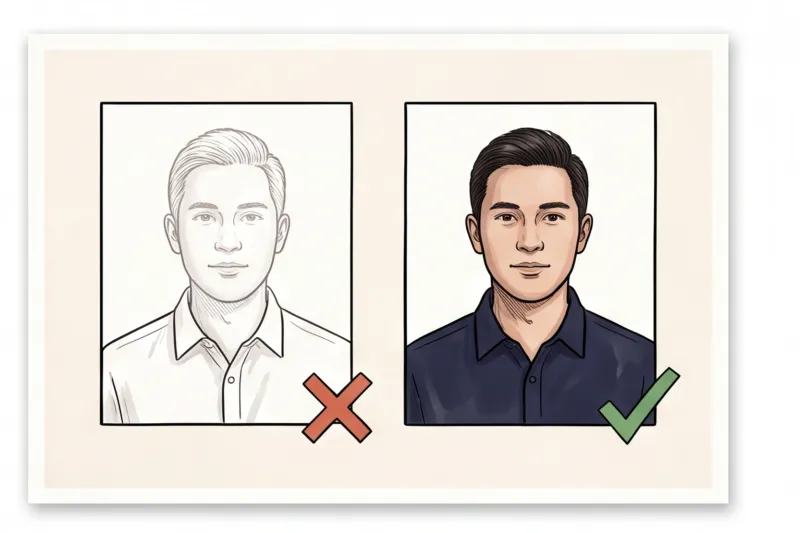
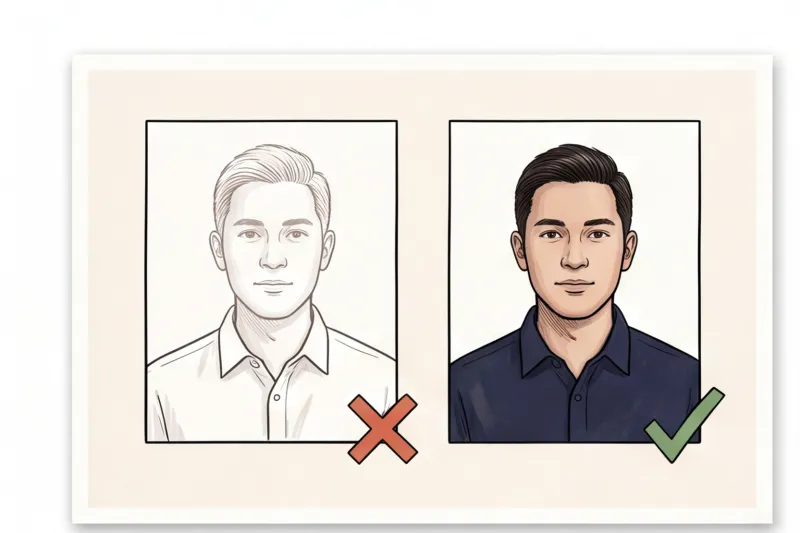
In practice, the most frequent reason authorities reject a photo based on clothing is poor background separation. International biometric principles, established by ICAO Doc 9303, require a plain, light, and uniform background (typically white or light grey). To ensure border control scanners and automated cropping software can accurately detect the edges of your head and shoulders, your clothes must stand out clearly. If your shirt blends into the background, the image fails the technical check.
You do not need to dress up for the camera. Everyday, casual clothing is perfectly acceptable; formal wear is never mandatory for travel documents. The priority is clear facial geometry. Your clothing must not obscure any part of your face, chin, or jawline. High collars, thick turtlenecks, or bulky scarves that cast shadows on your neck or hide the bottom of your chin will cause immediate rejection because they prevent accurate facial mapping.
If you skip the studio and learn how to take a passport photo at home, you can easily swap shirts until you find the right contrast. We cover the full technical specifications for international documents in our complete guide.
What Colors Should You Wear (and Avoid) for a Passport Photo?
The best colors to wear for a passport photo are dark or vibrant solid shades like black, navy, red, or dark green. You must strictly avoid white, cream, or light grey tops, as well as busy patterns and shiny fabrics.
Because universal biometric photo principles require a plain, light, and uniform background — usually white or light grey — contrast is essential. If you wear a light-colored shirt, your shoulders will blend directly into the background. In practice, this is one of the most frequent reasons a photo is rejected. Modern border control algorithms rely on clear edge detection to accurately map your head and shoulder geometry. When your clothing offers no contrast, the automated cropping software cannot detect where your body ends and the background begins, leading to a failed biometric scan. We cover the full background and technical specifications in the complete guide.
- Opt for dark solids: Navy blue, black, or dark grey create the perfect boundary line for biometric scanners.
- Choose rich colors: Deep reds, greens, or royal blues work exceptionally well to define your silhouette.
- Skip the plain white shirt: If you must wear a white collared shirt for a professional look, layer it under a dark jacket, blazer, or cardigan so your shoulders remain visible.
Beyond color, the texture and print of your clothing matter. You should avoid busy patterns, large graphics, or bold logos, which can draw focus away from your face. Furthermore, stay away from reflective or shiny fabrics. Materials that have a sheen can bounce light back toward the camera lens, causing glare or uneven lighting under your chin. Even lighting is a strict requirement across almost all official authorities, and a shiny collar can easily compromise the exposure of your face.
Get your document photo in 2 minutes
Upload a normal selfie and receive a compliant document photo that meets the official technical requirements for your country and document — ready to print or submit online.
Make my photoCan You Wear a Uniform or Camouflage?
No, you cannot wear a uniform or camouflage for a passport photo. Most national passport agencies strictly require everyday civilian clothing and will instantly reject photos showing military, tactical, or occupational attire.
This prohibition is a hard rule across multiple jurisdictions. The U.S. Department of State explicitly bans wearing a uniform, any clothing that resembles a uniform, or camouflage patterns for both passport and visa photos. You will find similar strict regulations for UK passports and across the European Union. Because a passport is a standard civilian travel document, your attire must reflect a neutral, everyday appearance.
In practice, many applicants underestimate how broadly this rule is applied by processing authorities. The restriction does not just cover military dress. Common work uniforms, such as medical scrubs, postal service shirts, or flight attendant outfits, are frequently flagged and will cause application delays. If your everyday jacket or shirt features tactical elements, prominent epaulets, or official patches that make it look like a uniform, you risk a rejection.
To ensure your photo meets the official technical requirements without issue, it is much safer to change into a standard, non-descript casual shirt — like a plain sweater or a basic button-down — before taking your picture.
Necklines and Collars: How It Looks When Cropped
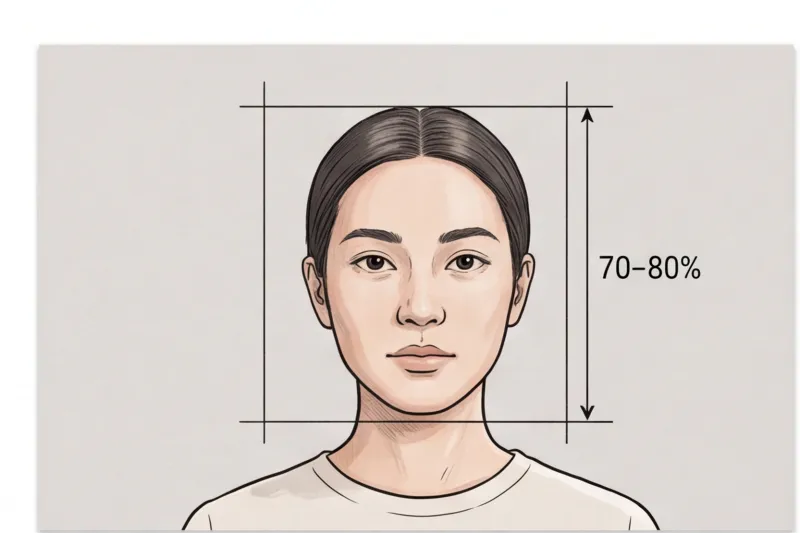
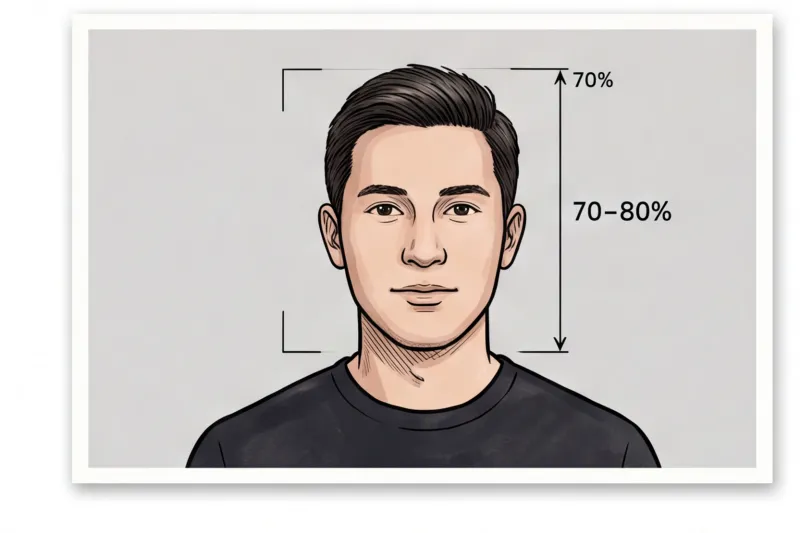
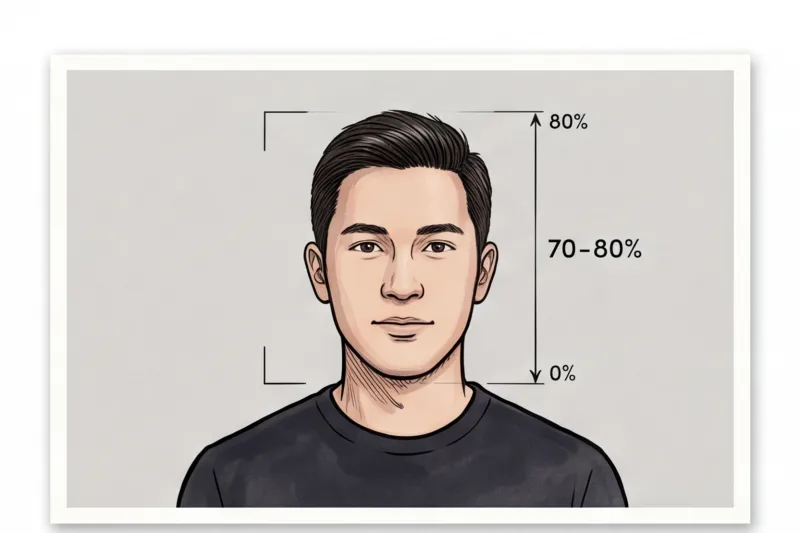
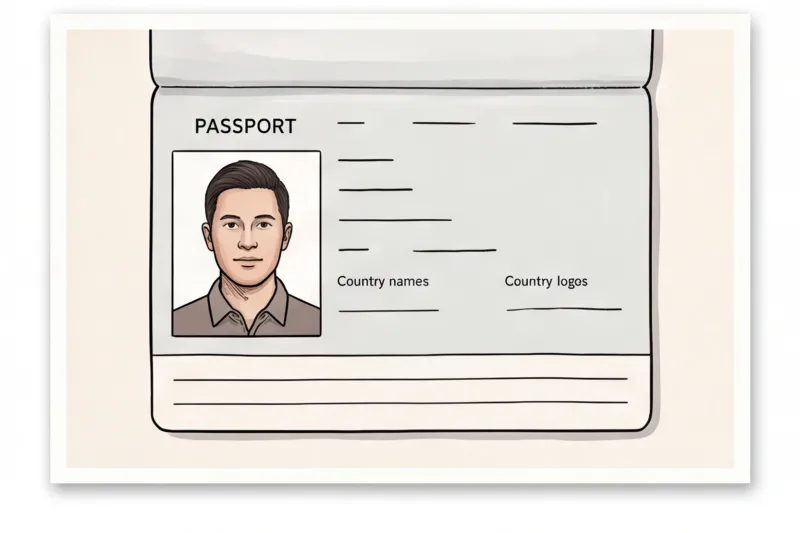
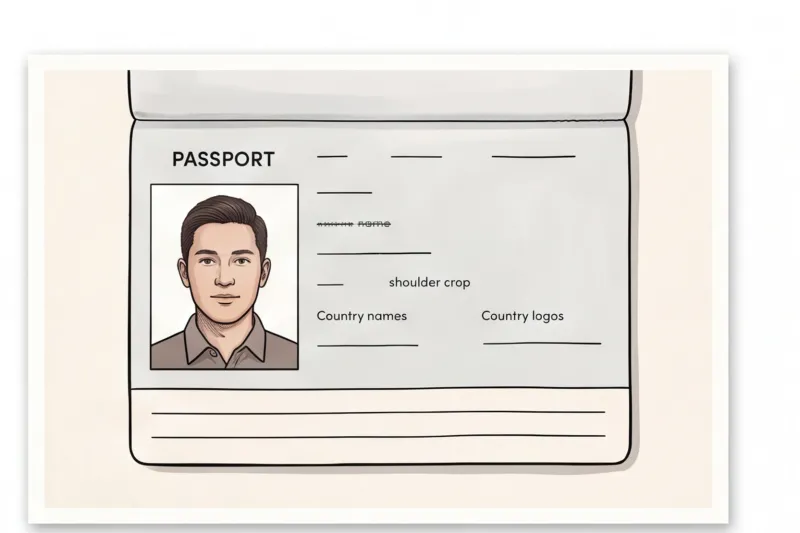
Because biometric passport photos are tightly cropped — with the face typically taking up 70–80% of the frame — only your collar and upper shoulders will be visible in the final print. When deciding what to wear for a passport photo, your neckline is just as important as the color of your shirt.
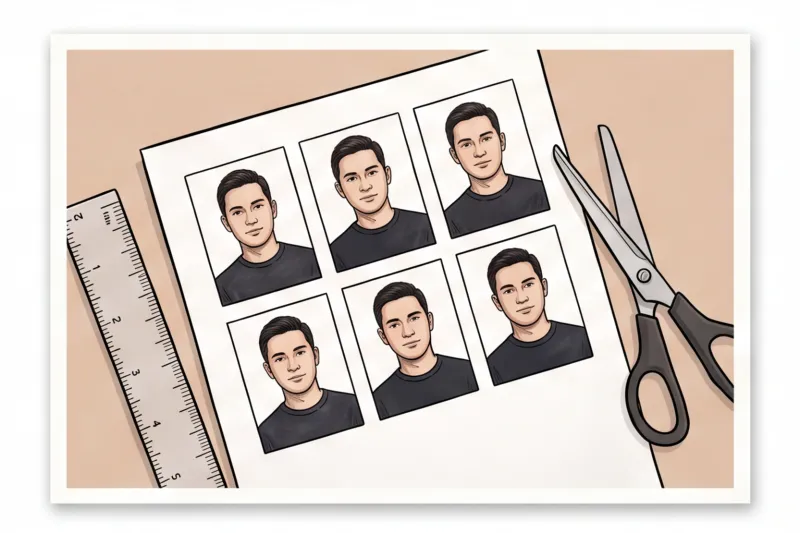
In practice, a very common mistake is wearing a low-cut top. Many applicants are shocked when they receive their printed 35 × 45 mm or 2 × 2 inch photos only to find the crop has completely removed their clothing, making them appear unclothed in the official document. To prevent this, strictly avoid tube tops, strapless dresses, or deep V-necks. The bottom edge of a standard document photo usually falls just below your collarbone.
On the opposite end, wearing too much fabric around your neck can also trigger a rejection. You must avoid extremely bulky turtlenecks or thick scarves. Biometric software maps your facial geometry, which requires a clear, unobstructed view of your jawline and the bottom of your chin. If a high collar creeps up to obscure your face outline or casts an uneven shadow on your neck, the photo will fail the automated checks.
For a neat, defined look that ensures compliance, stick to these reliable options:
- Collared shirts: A standard button-down creates a clean, professional border around the neck.
- Crew necks: A basic, high-cut t-shirt ensures your clothing is clearly visible in the tight crop.
- Standard V-necks: A moderate V-neck is fine, provided the fabric starts well above the crop line.
Ready to prepare your document photo?
Skip the studio. Upload a selfie and get a professionally prepared photo that meets the official technical requirements in about two minutes.
Get startedGlasses, Jewelry, and Accessories: What Is Allowed?
For a compliant passport photo, you must remove all glasses, wireless earbuds, and large accessories. While minimal jewelry is permitted, any item that obscures your facial outline, hides your eyes, or casts a shadow on your skin will cause your photo to be rejected.
In an increasing number of countries — including the United States and most of the EU and UK — glasses are now completely banned for passport and ID photos. Even in jurisdictions where they are still technically allowed, our daily processing shows that lens glare or thick frames covering the eyes are among the most frequent reasons an application fails. The safest default guidance is always to take them off. If you need more specifics on medical exceptions, refer to our complete guide on glasses in passport photos: what are the rules.
When it comes to jewelry, less is more. Small stud earrings, thin chains, or flat facial piercings are generally fine because they do not change your facial geometry. However, prominent earrings or chunky necklaces that cover your jawline must be removed. Highly reflective jewelry can also bounce light back onto your chin or neck, violating the universal biometric requirement for even lighting without shadows.
Finally, all electronic accessories must be removed entirely from your head and neck. This rule applies to large over-ear headphones and, more commonly, small wireless earbuds. Many applicants simply forget they have an earbud in, which instantly disqualifies the image since it alters the natural outline of the ear and face.
Can You Wear a Hat or Head Covering?
No, you cannot wear everyday hats, beanies, caps, or decorative hair accessories in a passport photo. Head coverings are permitted strictly for religious or medical purposes, provided your full face remains clearly visible.
In practice, leaving on a casual hat or a bulky headband is a guaranteed reason for application rejection. Biometric standards mandate an unobstructed view of your head and facial outline. If you wear a head covering for religious or medical reasons, it is allowed, but you must adjust it carefully for the camera. The full face must be visible from the very bottom of your chin to the top of your forehead. Crucially, the fabric must be pulled back enough so it does not cast any shadows on your cheeks or forehead, as shadows interfere with facial recognition software.
Be aware that some national authorities require supporting documentation for these exceptions. Depending on the country, you may need to submit a signed statement verifying the religious necessity of the item, or a doctor's note for medical head coverings. For specific guidelines regarding Islamic headwear, check the Hijab Passport Photo Rules & Requirements.
Get your document photo in 2 minutes
Upload a normal selfie and receive a compliant document photo that meets the official technical requirements for your country and document — ready to print or submit online.
Make my photoChecklist: Avoid These Clothing Mistakes
To ensure your photo meets official biometric standards on the first try, review your outfit against the most common rejection triggers. In practice, applications are frequently delayed because applicants overlook minor clothing details that interfere with background contrast or facial mapping.
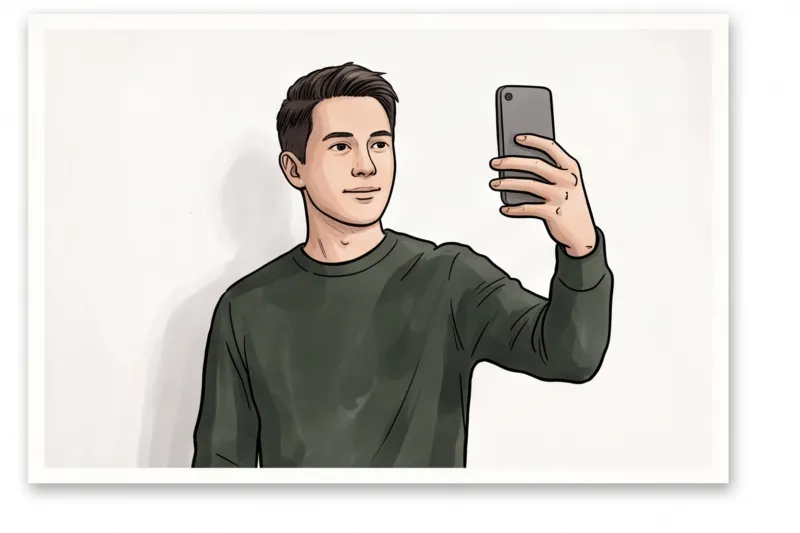
Before taking your picture, ensure you avoid these frequent errors:
- Wearing white against a white background: This blends your shoulders into the plain, light background required by universal standards, failing the contrast rule.
- Choosing a strapless top that falls below the crop line: Because your face fills roughly 70–80% of the standard frame, a low neckline or tube top makes you appear unclothed in the final document.
- Leaving glasses on: Remove them completely. Glasses are now banned for passports in many countries (including the US), and lens glare is a universal cause for rejection.
- Wearing a bulky scarf or turtleneck that hides the chin: The bottom of your chin must be entirely visible. Thick collars disrupt the facial geometry mapping used by automated systems.
- Having hair accessories that obscure the face outline: Large clips, bows, or headbands can cast shadows or artificially alter the visible shape of your head.
Get a Compliant Passport Photo from Home in Minutes
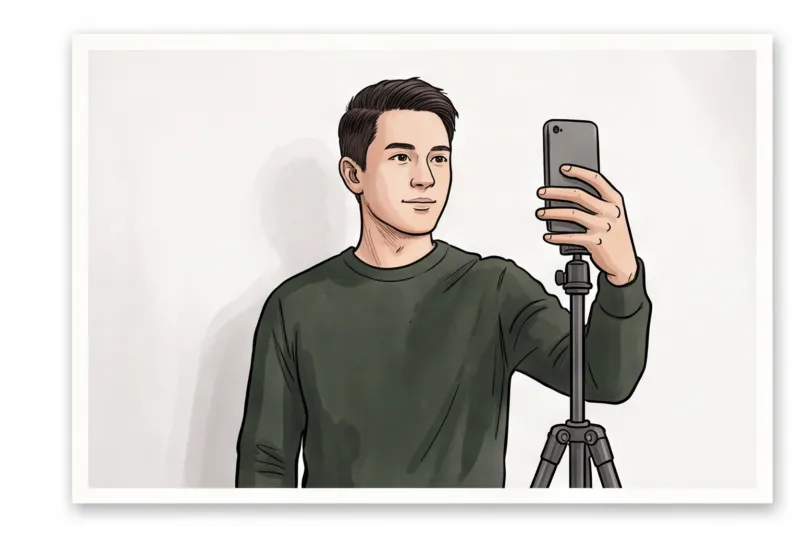
The easiest way to ensure your clothing and background meet strict biometric standards is to prepare your image at home using a professional online service. Instead of worrying about strict studio dress codes, rushing to change out of a prohibited work uniform, or hoping a photographer notices a problem with your collar, you control the environment. You can take your photo wearing your favorite comfortable, dark-colored shirt right in your own living room, ensuring you look your best while following all official guidelines.
In practice, one of the most frequent reasons people stress over what to wear for a passport photo is the fear of their clothing blending into the background or a neckline being improperly cropped. Taking the picture yourself eliminates this guesswork. You can test a standard crew neck or collared shirt, stand facing a plain wall, and try multiple shots until you are certain your shoulders are clearly visible and your jawline is entirely well-defined. You also have the time to double-check that you have removed glasses, wireless earbuds, and any hair accessories. Since a standard modern smartphone easily exceeds the typical resolution requirements of passport authorities, capturing a high-quality base image takes only a few seconds.
Once you have taken a well-lit selfie with an appropriate outfit, use our service, PhotoID24, to handle the complex formatting. Simply upload your photo. The service automatically checks your image against the official biometric requirements for your specific destination country and document type. Because specifications vary globally — from a 35 × 45 mm standard in the UK and most of Europe to a 2 × 2 inch (51 × 51 mm) format for the U.S. Department of State — relying on a professional verification tool ensures your head-height ratio, eye position, and crop are mathematically perfect.
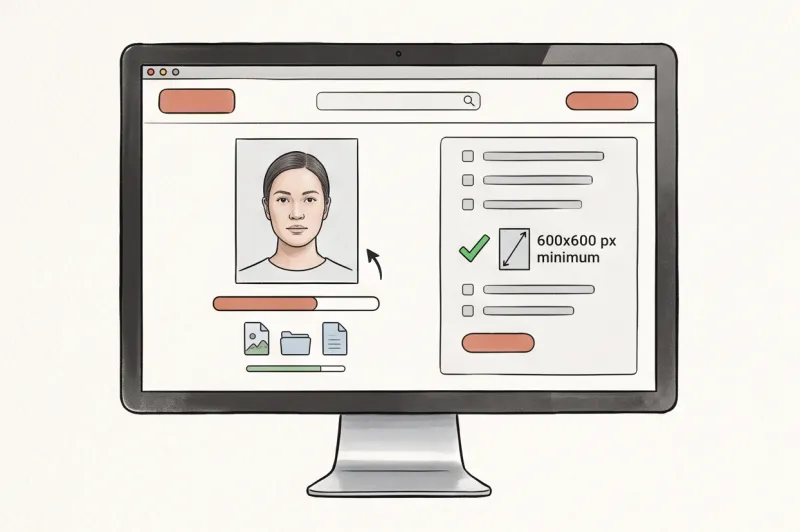
Within roughly two minutes, you receive a perfectly sized, expertly verified digital file or a ready-to-print sheet. The process automatically adjusts the framing and guarantees your plain background meets the universal standard of white or light grey, creating the necessary contrast with your dark clothing. Whether your application requires an online digital submission with strict pixel dimensions and file-size caps, or physical prints on dedicated photo paper, the generated file is completely prepared for either route.
Ready to prepare your document photo?
Skip the studio. Upload a selfie and get a professionally prepared photo that meets the official technical requirements in about two minutes.
Get startedKnowing exactly what to wear for a passport photo saves you from the frustration of application delays. By selecting a high-contrast, casual top, removing all facial obstructions, and utilizing a professional online compliance check, you bypass the common pitfalls of manual photo editing. Grab a dark shirt, face a window for even, natural lighting, and finalize your document photo today with the confidence that it entirely meets the official technical requirements.