What are the exact DS-160 photo requirements for a U.S. visa?
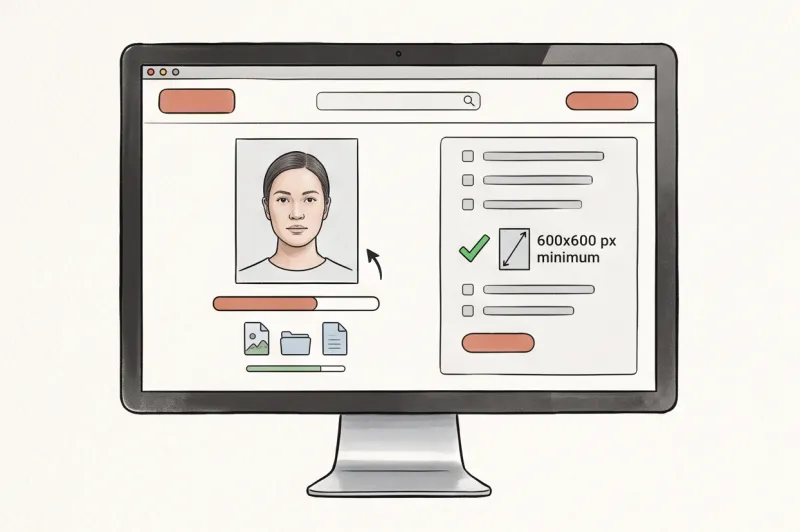
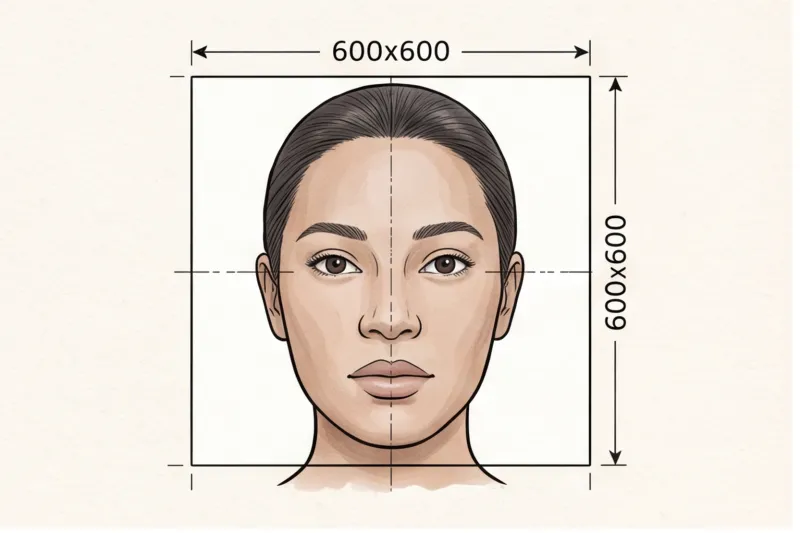
If you are applying for a U.S. nonimmigrant visa, your electronic application relies on one critical file: your digital photograph. A single formatting error will block your submission at the upload stage. To pass the automated check, the exact DS-160 photo requirements demand a square digital image measuring at least 600 x 600 pixels, featuring a completely neutral expression against a plain white or off-white background.
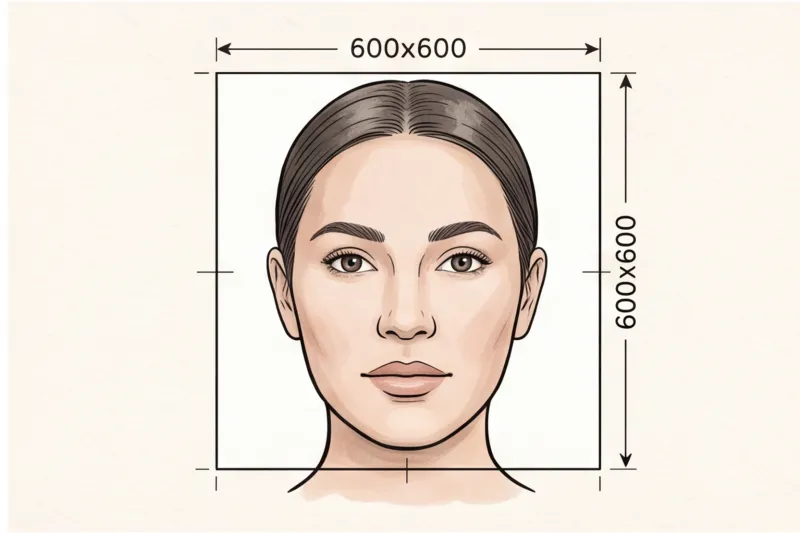
The DS-160 is the mandatory online nonimmigrant visa application for the United States. Because the system is entirely electronic, it requires a digital photo upload before you can finalize your form. According to the official specifications set by the U.S. Department of State (travel.state.gov), this digital file must have a square aspect ratio with minimum dimensions of 600 x 600 pixels. While the initial submission is digital, you must also be prepared with a physical equivalent. If the consular officer requires a printed backup during your in-person interview, it must be printed on photo-quality paper and measure exactly 2 x 2 inches (51 x 51 mm).
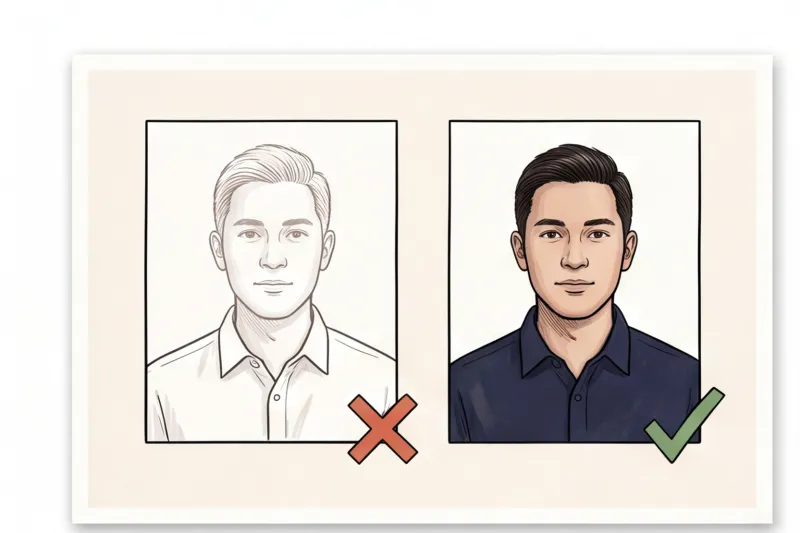
Beyond the strict dimensions, the U.S. enforces rigorous biometric standards. You must face straight toward the camera with your head centered and both eyes fully open and clearly visible. Your expression must be entirely neutral with your mouth closed—in practice, smiling is one of the most frequent reasons a photo is flagged or rejected. The background must be completely plain white or off-white, with absolutely no patterns, objects, other people, or visible shadows behind your head. We cover how these universal rules compare to other international standards in our complete guide to global passport photo requirements.
Additionally, the U.S. Department of State strictly enforces a recency rule: your photo must have been taken within the last 6 months to reflect your current appearance. Attempting to reuse an older photo from a previous visa or passport is a guaranteed rejection, as consular systems cross-reference your upload with your travel history.
Getting the exact head-size ratio and digital crop right on your own can be frustrating. To ensure your image meets the official technical requirements, you can upload a well-lit picture to PhotoID24. Our professional service will format your picture to the exact U.S. digital and print specifications in minutes, ready for the DS-160 portal.
What will get a DS-160 visa photo rejected?
The most common reasons for a DS-160 photo rejection are wearing glasses, displaying a non-neutral expression, submitting a poorly lit image, or using digital manipulation. The U.S. Department of State system will flag applications that fail these strict technical criteria, which can delay your visa processing.
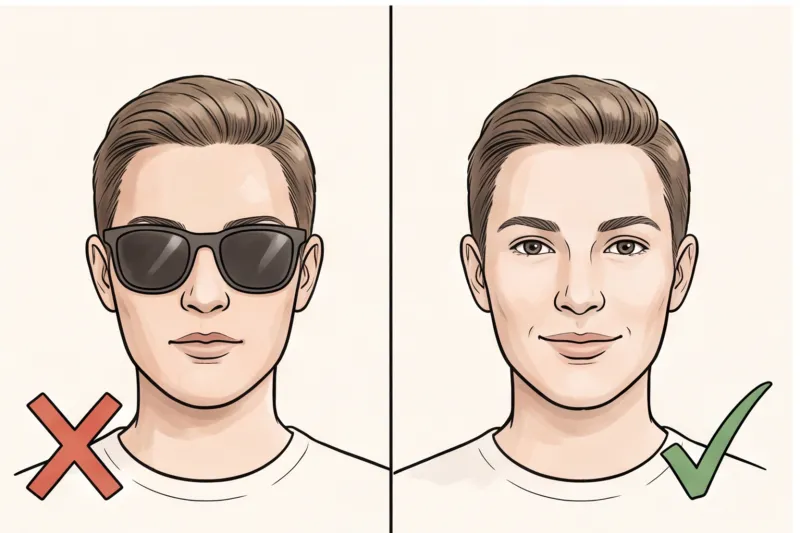
In practice, the number one reason for rejection is leaving everyday eyeglasses on. The U.S. government has implemented a strict ban on all glasses in visa and passport photos. Many applicants still try to upload photos wearing their prescription frames, but even if there is absolutely no lens glare, the frames themselves obscure the biometric data of the eye area. You must remove them entirely.
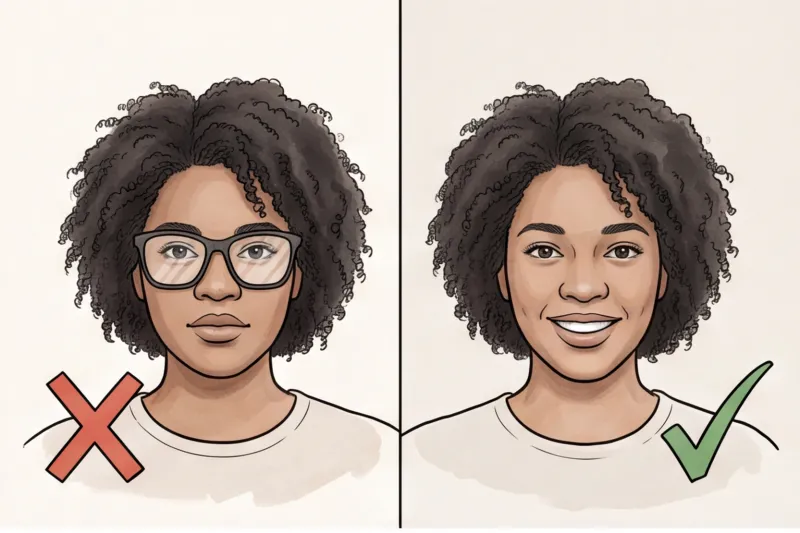
Beyond glasses, the DS-160 photo tool frequently rejects uploads for the following issues:
- Non-neutral expressions: Your face must be completely relaxed. Smiling with your teeth showing, frowning, squinting, or raising your eyebrows alters your facial structure. Keep your mouth closed and both eyes clearly open.
- Uneven lighting: Harsh shadows on the applicant's face make biometric scanning impossible. A typical mistake when shooting at home is standing under a strong overhead bulb, which creates dark "raccoon eyes" or leaves the face half-lit.
- Background issues: The U.S. requirement dictates a completely plain white or off-white background. Photos are routinely rejected for having busy patterns, non-compliant colors, or visible, dark cast shadows directly behind the head.
- Digital manipulation: Never use social media filters, digital beautification, or retouching software to alter your facial features or smooth your skin. The image must be a true, unaltered representation of your current appearance.
While these standards apply specifically to the U.S. visa portal, you can learn how they align with international biometric rules in our complete guide.
Get your document photo in 2 minutes
Upload a normal selfie and receive a compliant document photo that meets the official technical requirements for your country and document — ready to print or submit online.
Make my photoWhat are the DS-160 photo requirements for makeup and appearance?
For your DS-160 visa photo, you must maintain a natural, everyday appearance. Standard makeup is allowed, but uniforms, camouflage, and hair or head coverings that obscure any facial features are strictly prohibited.
Everyday makeup is perfectly fine if it accurately reflects your genuine skin tone. However, you must avoid heavy contouring or dramatic styles. Under the international biometric principles established by ICAO Doc 9303, automated border scanners measure the precise distances and depths between your facial features. Heavy contouring artificially alters your apparent bone structure and skin tone, disrupting these measurements and causing facial recognition software to fail.
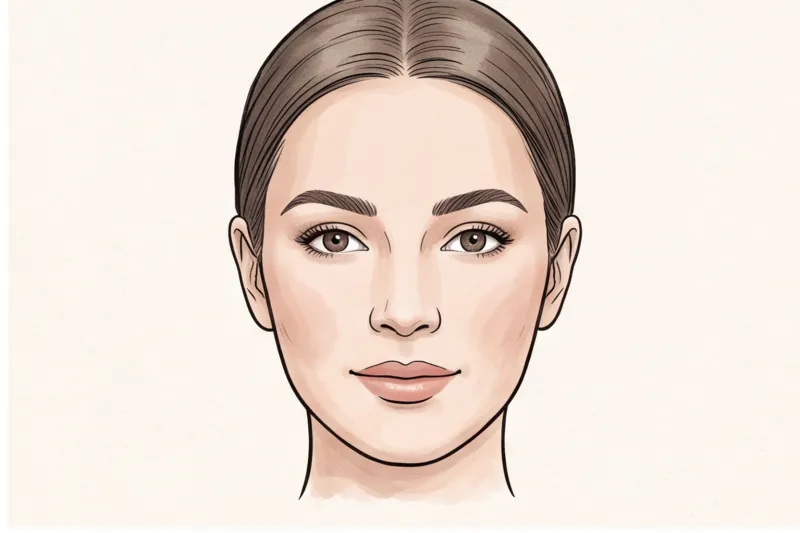
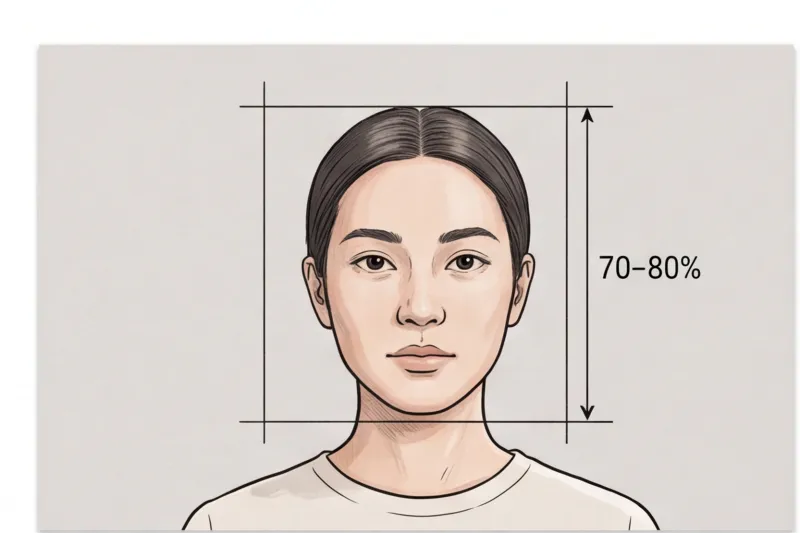
Your hair must never obscure your eyes, eyebrows, or the oval of your face. In practice, a frequent mistake is leaving sweeping bangs that cross the eyebrow line. If you have voluminous hair, it must fit within the frame without pushing your face out of the required 70–80% height ratio. Hair that is so large it forces the camera to zoom out will make your head too small in the final crop, leading to a rejected file.
When selecting your outfit, wear everyday civilian clothing. The U.S. Department of State categorically prohibits uniforms, uniform-like apparel, and camouflage patterns.
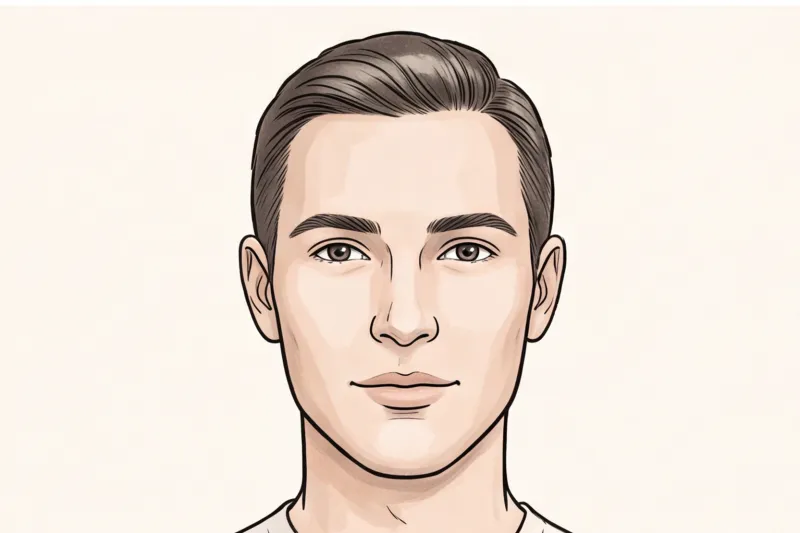
Finally, hats and head coverings are only permitted for documented religious or medical reasons. If you qualify for this exception, the covering must not obscure the hairline or cast any shadows on your face, ensuring your full visage remains entirely visible from the bottom of your chin to the top of your forehead.
How do I make a 2x2 photo for my passport or visa at home?
Taking a compliant 2x2 inch (51 × 51 mm) U.S. visa photo at home requires a plain white or off-white background, even natural daylight, and a camera placed at the correct distance. You must use a tripod or ask another person to take the picture rather than shooting a handheld selfie.
To set up a successful home photoshoot, follow these technical steps:
- Position yourself correctly: Stand about half a meter from a plain white or off-white wall. This small gap allows ambient light to fall behind you, which helps minimize background shadows — a frequent reason for DS-160 upload rejections.
- Use natural window light: Face a window so daylight evenly illuminates your face. Turn off overhead indoor lights, as they cast harsh shadows under your eyes and chin.
- Avoid facial distortion: Have a friend take the photo or use a smartphone tripod positioned about 1.5 to 2 meters away. Do not take a close-up selfie holding the phone; camera lenses at close range distort facial geometry, making the nose appear larger and altering the biometric distances between your features.
- Maintain perfect posture: Look straight at the camera lens with a completely neutral expression and your mouth closed. Ensure your head is not tilted — your eyes and both ears (if visible) must be level, and your shoulders should be perfectly square to the camera.
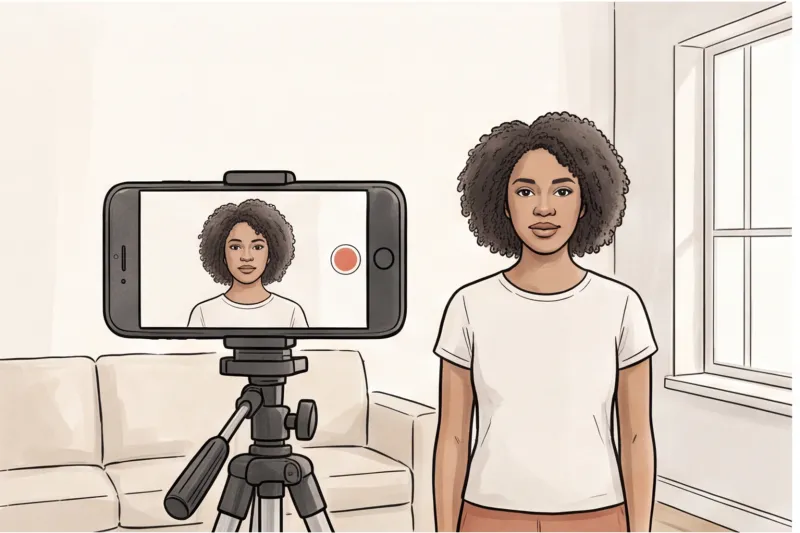
Once you capture a sharp, evenly lit image, the technical formatting begins. The U.S. Department of State requires the digital upload to be exactly square, with a minimum resolution of 600 × 600 pixels. More importantly, the face must fill a highly specific portion of the frame: on a physical 2 × 2 inch print, the head must measure between 1 and 1 3/8 inches (22–35 mm) from the bottom of the chin to the top of the head.
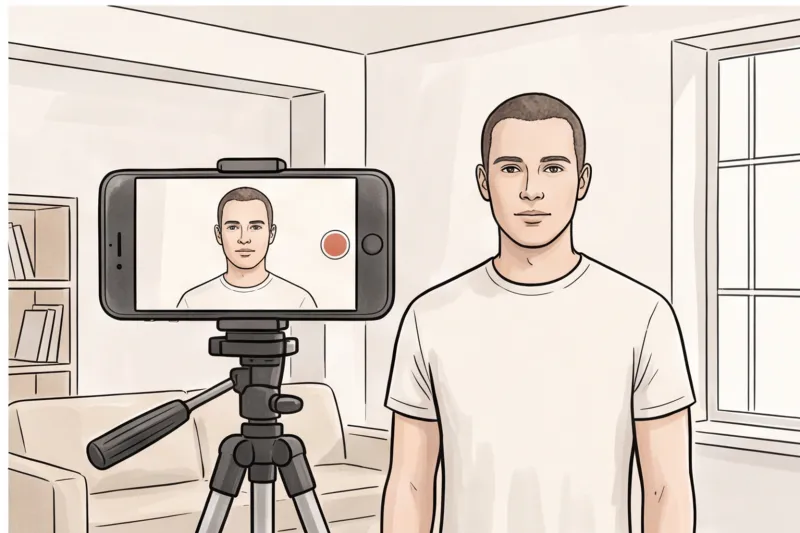
Instead of struggling with complicated cropping software to meet the exact 600×600 pixel requirement and head-height ratio, use the PhotoID24 service to automatically process your home photo into a perfectly compliant digital file for the DS-160 portal.
Ready to prepare your document photo?
Skip the studio. Upload a selfie and get a professionally prepared photo that meets the official technical requirements in about two minutes.
Get startedCommon upload mistakes on the DS-160 portal
The most frequent upload mistakes on the DS-160 portal include submitting scanned physical prints, uploading incorrect file formats like PNG, cropping the image too tightly around the face, and reusing a photo older than six months.
The U.S. Department of State's digital photo tool is notoriously strict regarding file compression and head proportions. In practice, many applicants fail the digital check right at the upload stage because they misinterpret the technical specifications. The most common points of failure include:
- Scanning an old printed photo: Digitizing an existing physical print is a major trap. Scanners capture the microscopic grain and texture of the photo paper, and the scanning bed light introduces glare from glossy finishes. This yields a low-resolution, artificial-looking digital file that the online tool rejects. Always use an original digital image.
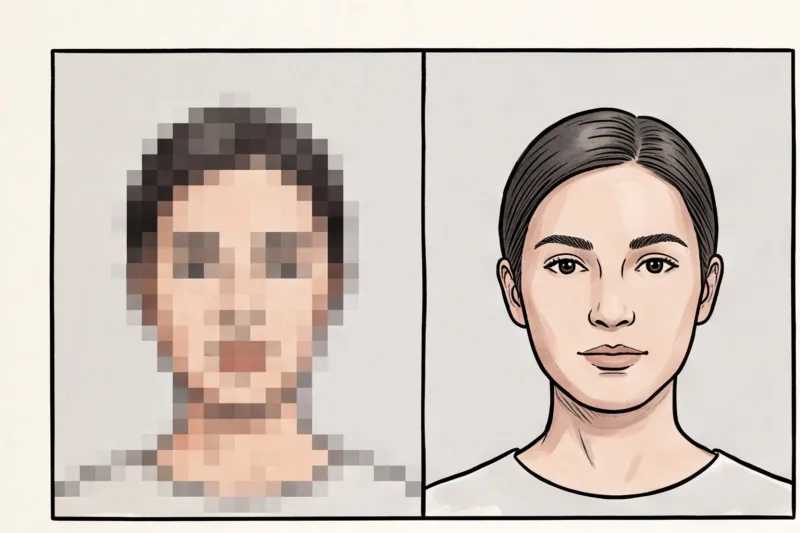
- Incorrect file size or format: The U.S. visa portal strictly requires a standard JPEG file. Uploading heavy PNG files or highly pixelated, over-compressed JPEGs will cause immediate system errors and prevent you from advancing your application.
- Cropping too tight: Many applicants mistakenly crop their digital image so that their face fills the entire square. The official U.S. requirement dictates that the head must measure between 1 and 1 3/8 inches (22–35 mm) on a physical 2 × 2 inch print. Cropping the image so tightly that the face touches the edges ruins this critical head-height ratio and guarantees rejection.
- Using a photo older than 6 months: Consular officers will closely compare your DS-160 upload directly to your physical appearance during your interview. Furthermore, they cross-reference the image against previous visas and passport databases. Submitting an older photo will cause delays and may require you to provide a new picture before processing can continue.
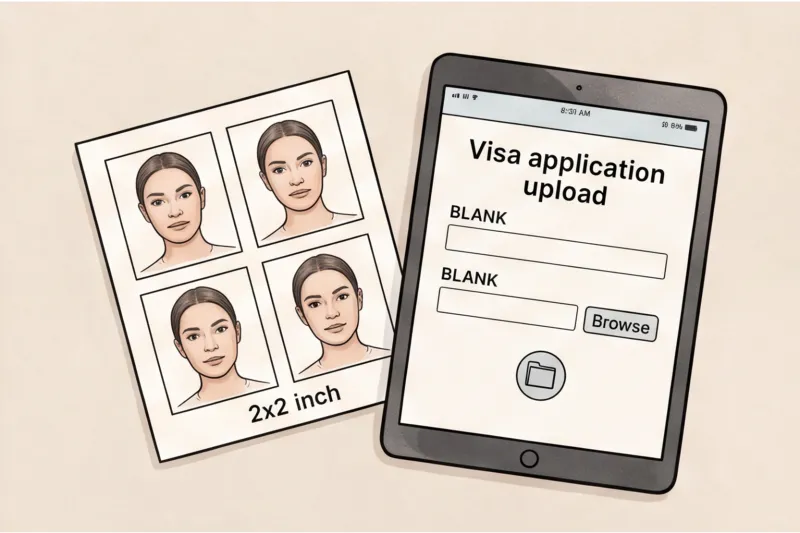
To avoid these upload errors, always start with a fresh digital photograph rather than attempting to scan, crop, or manually resize an older print.
Final Checklist: Is your DS-160 photo ready to upload?
Your DS-160 photo is ready to upload when it is a perfectly square JPEG file measuring at least 600 x 600 pixels, taken within the last six months against a plain white background, with your glasses removed and a neutral expression. Before you finalize your U.S. visa application, verifying these exact technical parameters is your last line of defense against processing delays.
The U.S. Department of State employs a digital photo screening tool during the upload phase. However, simply bypassing this initial digital check does not guarantee that a consular officer will approve the image during their manual review. A file might have the correct pixel dimensions but still fail due to lighting flaws or an incorrect head size. Use this rigid final review checklist to confirm your image meets all official specifications before you hit submit.
- Is the photo a square JPEG, at least 600 x 600 pixels? The digital file must be saved in the JPEG (.jpg) format. The dimensions must form a perfect square, meaning the width and height are identical. The 600 x 600 pixel measurement is the strict minimum acceptable resolution for the online system.
- Are your glasses completely removed? Double-check your face in the image. Even if you wear prescription lenses every day, glasses are strictly banned for U.S. visa photos. Leaving them on is the most common reason for an automatic application rejection.
- Is the background plain white or off-white with zero shadows? Inspect the area directly behind your head and over your shoulders. The background must be uniformly lit without any visible texture, patterns, or cast shadows. If the wall looks grey, heavily shadowed, or unevenly illuminated, the photo is non-compliant.
- Is your expression entirely neutral with both eyes open? Look closely at your mouth and eyes. Your lips must be relaxed and closed without any hint of a smile, frown, or raised eyebrows. Both eyes must be fully visible, looking straight into the camera lens, and completely free from hair obstructions.
- Was the photo taken within the last 6 months? Consular officers will directly compare your uploaded image against your physical appearance at the interview and any previous U.S. visas on your record. Reusing an old picture that no longer reflects your current appearance will cause your DS-160 to be rejected.
Attempting to manually crop an image to the exact 600 x 600 pixel digital square while perfectly centering the head can be incredibly frustrating. To guarantee your photo meets all technical requirements without the guesswork, upload it to PhotoID24. Our service processes your everyday picture into a perfectly formatted digital file in minutes, ready for the U.S. visa portal.
Get your document photo in 2 minutes
Upload a normal selfie and receive a compliant document photo that meets the official technical requirements for your country and document — ready to print or submit online.
Make my photoYour immediate next step is to secure your compliant digital file before you even begin filling out the DS-160 form. The U.S. visa application portal can time out after short periods of inactivity. Having your professional, fully vetted photograph saved directly to your device ensures a smooth, uninterrupted submission process, allowing you to focus completely on preparing for your consular interview.