What is a passport photo printer and why does it matter for home printing?
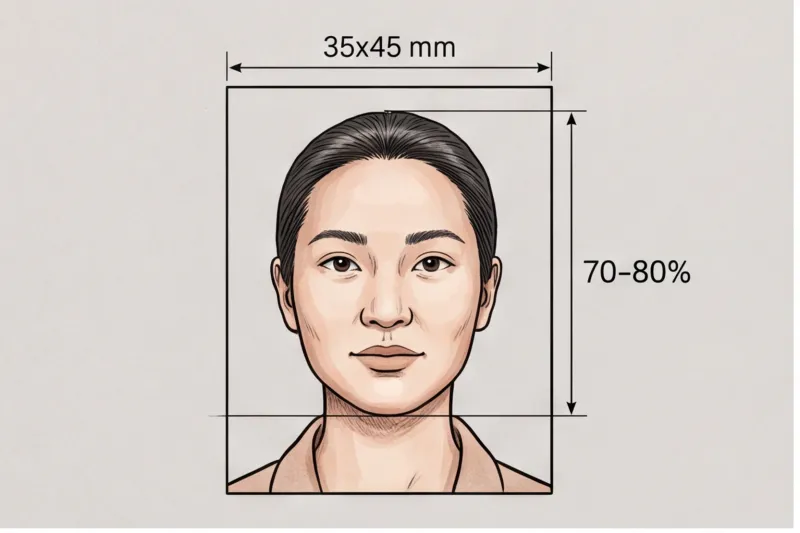
A passport photo printer is a device capable of producing high-quality, color-accurate, and precisely sized photos on suitable photo paper—meeting the strict standards set by passport authorities. Using the right printer ensures your photo matches official biometric requirements, such as correct dimensions and natural skin tones, which are critical for acceptance.
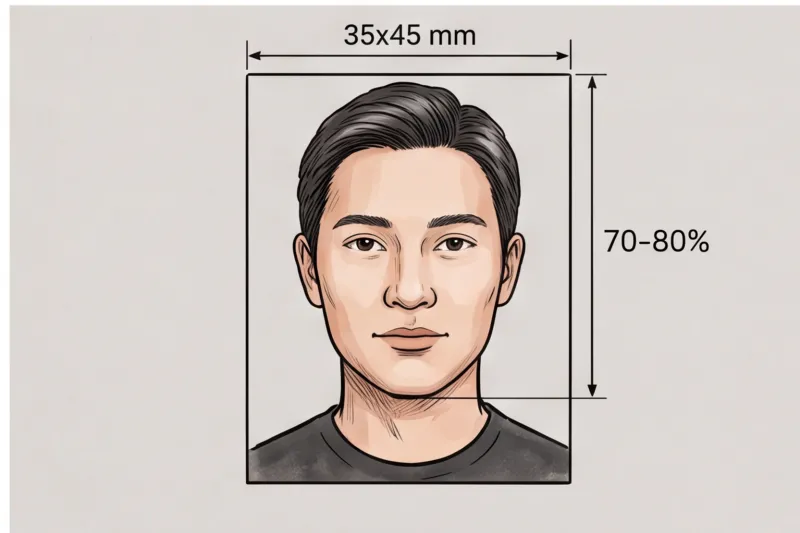
Printer quality and settings directly impact whether your passport photo will be accepted. Poor color accuracy, incorrect sizing, or low resolution can cause rejection by authorities like the U.S. Department of State or UK Passport Office, which follow ICAO Doc 9303 standards. For example, a blurry or oversaturated print can distort your appearance, while wrong dimensions prevent proper biometric scanning. In practice, many rejected photos stem from printing errors rather than the original image.
Not all home printers meet these technical and quality standards. Basic laser printers often lack the subtle color gradations needed, while low-end inkjet printers may produce banding or poor sharpness. Additionally, incorrect print settings—such as wrong paper type, resolution below 300 DPI, or unwanted borders—can cause issues. Choosing a printer designed for photo printing with compatible photo paper is essential to avoid these pitfalls.
Because passport photo requirements vary by country and document type, you should always verify the exact specifications with your official authority or consult the complete guide to passport photo printing. This helps ensure your home-printed photo meets the official technical requirements and reduces the risk of costly rejections.
Which printer types are best suited for printing passport photos at home?
The best printers for passport photos at home are inkjet and dedicated photo printers, as they deliver the color accuracy, sharpness, and print resolution required to meet official biometric photo standards. Inkjet printers using photo-quality ink and paper usually outperform laser printers for this purpose, producing vibrant, natural skin tones and fine detail essential for passport authorities.
Inkjet printers spray tiny droplets of ink onto photo paper, allowing for smooth color gradations and a wide color gamut. This precision is crucial because many authorities require photos with natural skin tones, no color casts, and sharp focus to pass biometric checks. In contrast, laser printers use toner powder fused to paper, which often struggles with subtle color nuances and photo detail. From practical experience, photos printed on laser printers tend to have flatter colors and can appear grainy or overly contrasty, increasing the risk of rejection due to poor image quality.
Dedicated photo printers are a specialized subset of inkjet printers designed specifically for photo output. They typically offer higher print resolutions, advanced color management, and use pigment-based inks that resist fading and provide better color stability. While these printers can be more costly, their superior print quality reduces the chance of producing passport photos rejected for technical reasons such as blur, color shifts, or incorrect exposure.
Official guidelines, including ICAO Doc 9303 for travel documents, recommend print resolutions between 300 and 600 DPI to preserve sharpness and detail. Most modern inkjet and photo printers meet or exceed this requirement. Laser printers often fall short in reproducing the subtle gradations and smooth tones necessary for compliant passport photos.
In summary, for consistent, high-quality passport photos at home, an inkjet printer with photo-grade ink and paper is the preferred choice. If budget allows, a dedicated photo printer offers the best results. Laser printers are generally less suitable due to their limitations in color fidelity and fine detail reproduction.
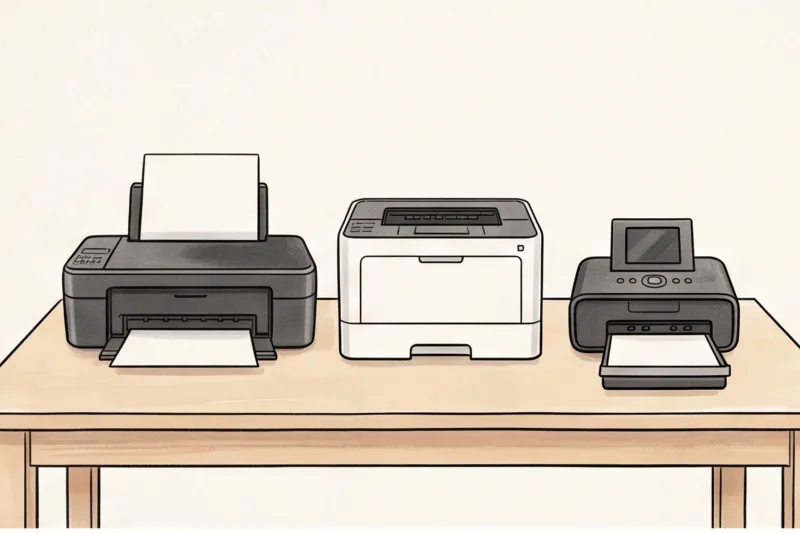
For more on matching printer choice with passport photo print size and paper, we cover the full requirements in the complete guide.
What paper type and finish should you use for printing passport photos at home?
Using the correct photo paper is essential for printing passport photos that meet official standards. Regular copy paper lacks the necessary texture and color absorption properties, often resulting in dull colors, poor sharpness, and an uneven surface that can cause rejection by passport authorities. Photo paper designed specifically for photo printing ensures vibrant, accurate colors and a smooth finish that preserves facial detail.
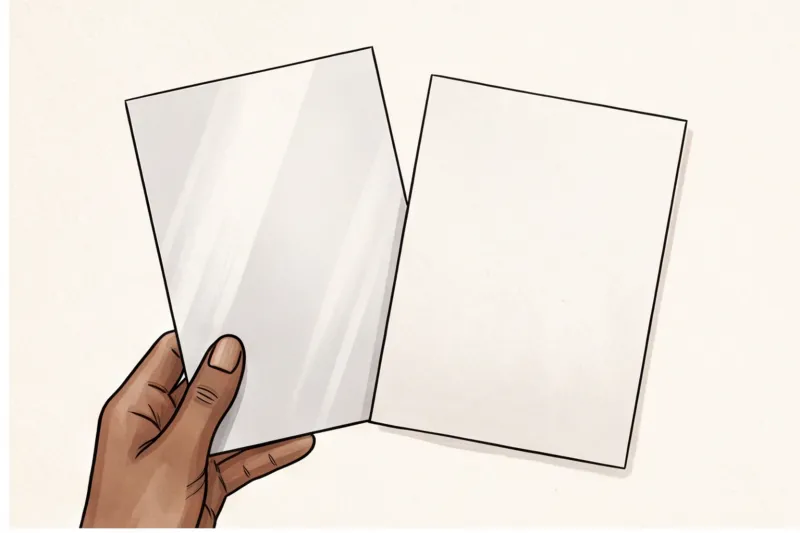
When choosing the finish, authorities vary in preference. Some countries require or recommend a matte finish to avoid glare and reflections that interfere with biometric scanning, while others accept or prefer a glossy finish for its sharper, crisper appearance. For example, UK passport guidelines favor a matte or semi-matte finish to prevent glare under strong lighting, whereas some US visa photos printed at home often use glossy paper but must avoid reflections.
Incorrect paper type or finish can cause significant issues: color shifts that alter skin tone, glare obscuring eyes or facial features, or texture that distorts image sharpness. In practice, a common rejection reason observed is the use of plain printer paper or the wrong finish, which leads to photos failing the technical quality checks at passport offices.
To avoid these pitfalls, purchase high-quality photo paper compatible with your printer model. Inkjet printers perform best with inkjet-specific photo paper, while dedicated photo printers often specify their own paper types. Always check your country's official passport photo guidelines for any explicit paper finish requirements, and choose accordingly.
How do you correctly set print size and resolution for passport photos?
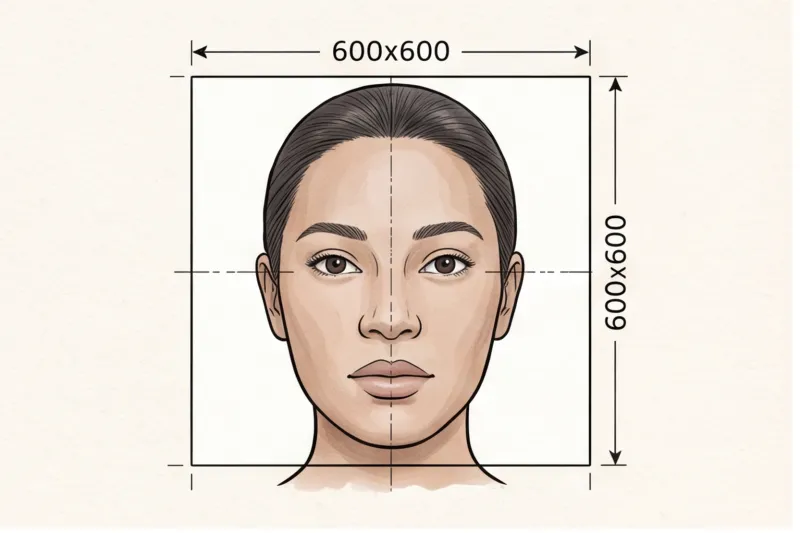
The most crucial factor when printing passport photos at home is to match the official print dimensions exactly. Whether the required size is 35 × 45 mm (common in Europe) or 2 × 2 inch (51 × 51 mm) as specified by the U.S. Department of State, even a slight deviation can cause biometric scanning errors or lead to rejection by authorities. Ensuring the photo is printed at the precise size avoids scaling distortions that affect facial feature recognition.
Equally important is the print resolution, measured in dots per inch (DPI). A resolution between 300 and 600 DPI is recommended to maintain sharpness and preserve the fine details of the face. Both the UK government and U.S. Department of State emphasize that low-resolution prints risk blurriness and loss of detail, which can cause rejection.
Common mistakes include scaling the photo improperly—such as resizing the image file without adjusting print settings—or leaving white borders around the photo. Borders can alter the effective size and may be rejected by official authorities. It is essential to disable any automatic scaling or “fit to page” options in your printer settings and print at 100% size.
Before printing, always verify the exact photo dimensions and resolution requirements for your country's specific document on the PhotoID24 catalog landing pages. These pages link to official sources and provide the correct parameters to avoid costly errors.
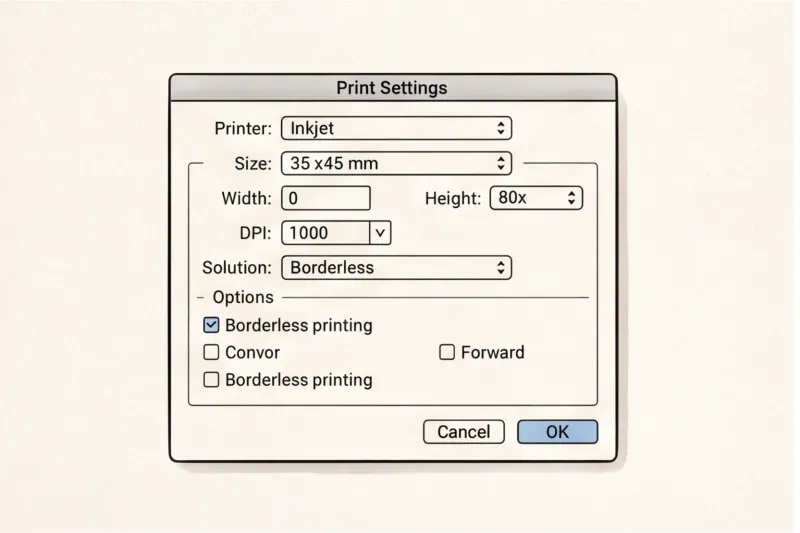
In practice, the most frequent reason home-printed passport photos get rejected is incorrect size—either oversize or undersize—caused by improper scaling or misunderstanding of DPI settings. Taking care with these technical details is critical to producing compliant photos.
Ready to prepare your document photo?
Skip the studio. Upload a selfie and get a professionally prepared photo that meets the official technical requirements in about two minutes.
Get startedCan you use a home printer to print passport photos for all countries and documents?
Not all countries or document types allow you to print passport photos at home. Requirements vary widely: some authorities accept printed photos, while others require a digital photo submitted online only. Additionally, paper type, size, and finish specifications differ and may not be achievable with every home printer. Always check your country's official guidelines or the PhotoID24 country+document landing page before printing.
For example, many European countries and the UK still accept printed photos on specific photo paper sizes, commonly 35 × 45 mm, but with strict background and finish rules. In contrast, countries like the United States primarily accept digital submissions for passport renewals, though printed photos remain necessary for some visa applications. Paper finish matters too—some authorities require matte, others glossy, and using the wrong one can cause glare or rejection.
Home printers may struggle with certain paper finishes or exact sizes required by some countries. Laser printers, for instance, often lack the color fidelity and photo-quality output needed, while some inkjet printers cannot handle thicker photo paper reliably. In these cases, professional printing services or dedicated photo printers are advisable to ensure compliance.
Before printing, consult your country’s passport office or immigration authority website for the official passport photo printing specifications. PhotoID24’s country-specific catalog pages provide precise, sourced details and direct links to official sources. This helps avoid costly mistakes and delays caused by incorrect photo prints.
In summary, while many home printers can produce passport photos that meet technical requirements, this is not universal. For some documents and countries, professional photo printing services may be necessary to guarantee the photo meets all biometric and paper standards.
What are the most common mistakes when printing passport photos at home and how to avoid them?
The most frequent mistakes when printing passport photos at home include using the wrong photo size, incorrect paper type, visible borders around the photo, low print quality, and color inaccuracies. These errors often lead to rejection because they interfere with the biometric scanning process and fail to meet official standards set by authorities like ICAO and national passport offices.
Incorrect sizing is the top culprit—if the photo does not match the exact dimensions required by the issuing country (for example, 35×45 mm in many European countries or 2×2 inches in the United States), biometric systems may not properly locate facial features. Similarly, using plain copy paper instead of quality photo paper can cause poor color reproduction and texture issues, making the photo look unprofessional or altering facial details essential for identity verification.
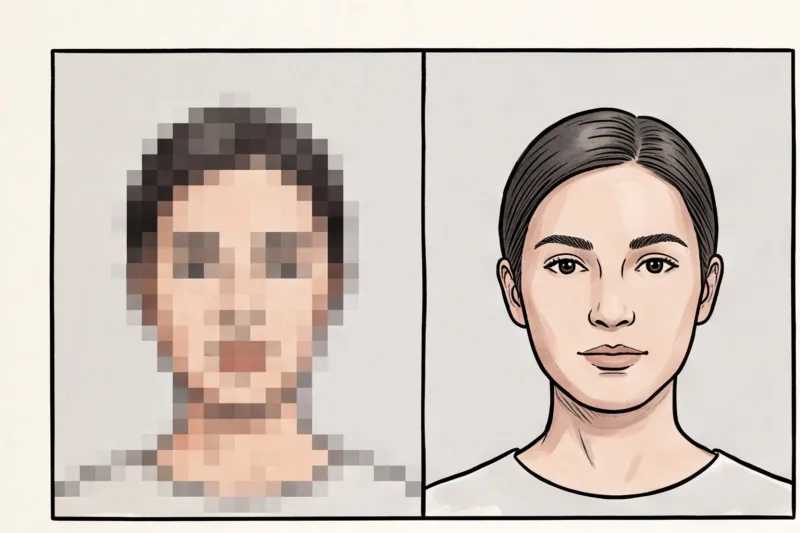
Borders around the photo are another common issue. Most countries demand borderless prints to ensure the face is properly positioned within the frame. Borders or white margins can cause cropping errors or misalignment during processing. Low print quality—such as blurry, pixelated, or unevenly colored prints—also leads to rejection because the facial features become unclear to scanning devices.
Color accuracy is critical. Photos with unnatural skin tones or color casts fail to represent the person’s true appearance, which biometric standards explicitly prohibit. Digital filters, heavy retouching, or any alteration that changes facial features are not allowed and can result in the photo being discarded.
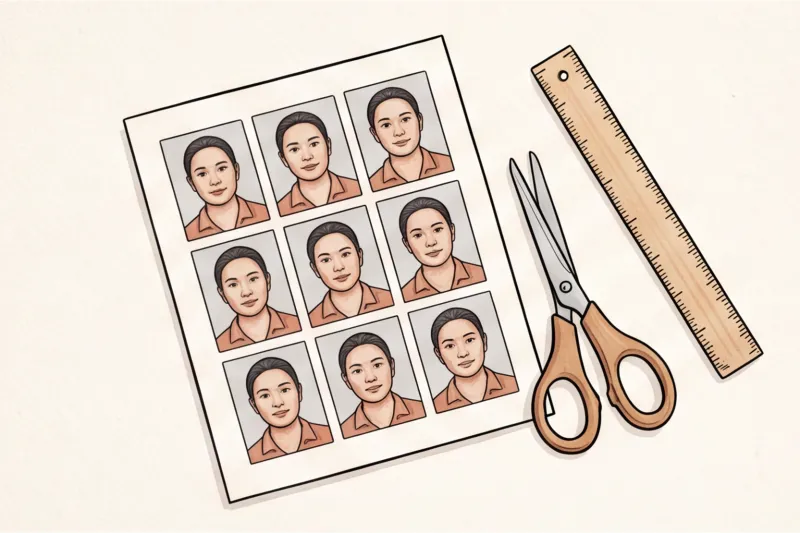
To avoid these mistakes, always use the correct template provided by official sources or professional services. Print a test sheet first to verify size and quality with a ruler and visual inspection. Never resize or crop the photo after printing, as this changes the dimensions and can cause rejection. Maintain a natural, unfiltered appearance to meet biometric criteria.
Following these practical steps ensures your home-printed passport photos meet official requirements and reduces the risk of costly rejections.
Get compliant passport photos quickly
Use PhotoID24 to upload a selfie and receive a professionally checked passport photo that meets your country’s official standards — ready to print at home without mistakes.
Make my photoHow to prepare and print a passport photo at home step-by-step with the right passport photo printer?
Preparing and printing a passport photo at home requires careful attention to each step to meet official biometric photo standards and avoid common pitfalls. Follow these six precise steps to ensure your photo meets the technical requirements for your country’s passport or ID application.
Step 1: Start with a compliant photo that follows universal biometric principles: a neutral expression, head straight to the camera, plain light background, no shadows, and correct lighting. If you need guidance, see our detailed instructions on How to Take a Passport Photo at Home.
Step 2: Upload your compliant photo to a professional photo service like PhotoID24. This ensures your photo is automatically cropped and resized to your country’s exact specifications, eliminating errors in head size, position, and dimensions. The service also checks that the photo meets biometric quality standards.
Step 3: Choose the right printer and photo paper based on your country’s requirements. Most countries accept or require high-quality inkjet or dedicated photo printers paired with photo paper (matte or glossy per official rules). Avoid regular copy paper, which can cause rejection due to texture and color issues. Check your country’s official passport photo specifications on the relevant PhotoID24 catalog page.
Step 4: Configure your printer settings carefully. Set the print size exactly to the official dimensions (e.g., 35×45 mm in Europe, 2×2 inch for the US). Use a resolution of at least 300 DPI to maintain sharpness and color accuracy. Disable any scaling, borders, or automatic cropping in the print dialog. Select the correct color profile if available to avoid color shifts.
Step 5: Print a sheet of identical photos to save time and ensure consistency. After printing, measure the photo size precisely with a ruler to confirm it matches the official size without white borders. Inspect the photo quality for sharpness, correct color, and no visible defects such as streaks or uneven ink coverage.
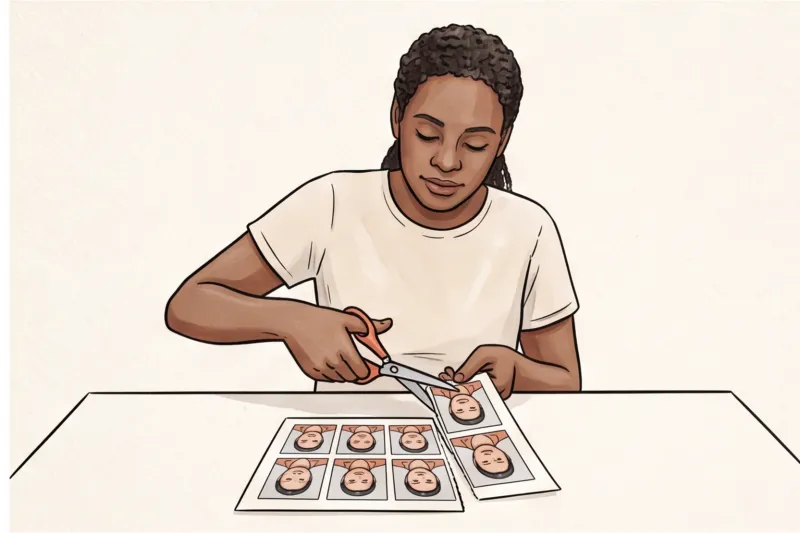
Step 6: Cut the photos carefully along the printed edges using sharp scissors or a paper cutter. Avoid damaging or bending the photos, as creases or scratches can cause rejection at passport control. Handle photos by the edges and store them flat until submission.
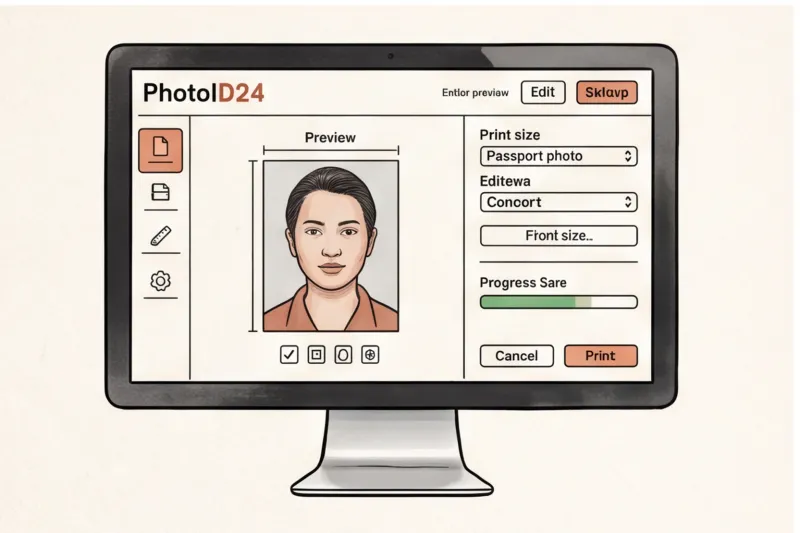
Following these steps minimizes the risk of rejection due to print or size errors, which are common when printing at home. For guaranteed compliance and convenience, consider using PhotoID24 to produce perfectly sized, high-quality photos ready for printing or digital submission.
Where can I find official passport photo printing specifications for my country?
Passport photo printing requirements vary widely by country and document type, so you cannot assume universal standards for size, paper type, finish, or print submission rules. Each authority sets precise criteria that must be followed to meet official technical requirements and avoid rejection due to incorrect printing.
The most reliable source for your country’s exact passport photo printing specs is the official passport or immigration authority website. For example, the U.S. Department of State provides detailed guidance for U.S. passport photos, while GOV.UK covers UK passport photo rules. European Union countries publish their photo requirements through national ministries or police websites, aligned with ICAO standards.
For convenience and precision, PhotoID24 offers comprehensive country+document catalog landing pages that aggregate exact, sourced specifications. These pages include direct links to the official authorities and ensure you print photos at the correct size, on the right paper type, and with the proper finish.
At the international level, ICAO Doc 9303 sets baseline standards for biometric passport photos, but national rules often add specific details. Always verify your country’s current rules before printing to avoid costly mistakes.
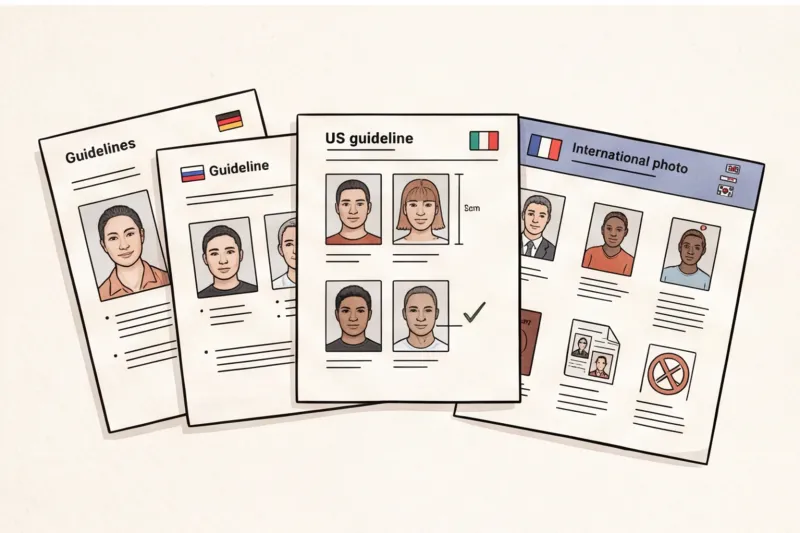
Ready to prepare your document photo?
Skip the studio. Upload a selfie and get a professionally prepared photo that meets the official technical requirements in about two minutes.
Get startedSummary checklist: Choosing and using the best passport photo printer for home printing
To print passport photos at home that meet official standards, select a high-quality inkjet or dedicated photo printer with a minimum resolution of 300 DPI. This ensures sharpness and accurate color reproduction critical for biometric recognition. Use photo paper recommended by your printer’s manufacturer, choosing matte or glossy finish according to your country’s official requirements, as incorrect paper can cause glare or texture issues leading to rejection.
Always ensure the print size exactly matches your official passport photo dimensions, such as 35×45 mm in many European countries or 2×2 inches (51×51 mm) for U.S. passports. Avoid borders or scaling errors by printing directly at the specified size. Print multiple identical photos on one sheet to meet submission guidelines and have spares if needed.
Do not apply digital filters, heavy retouching, or beautification to the photo file. The image must represent your true appearance with natural skin tones and no alterations that could cause rejection. Finally, always cross-check your country- and document-specific printing specifications on the official authority’s website or on PhotoID24’s detailed country+document catalog pages to avoid surprises.
This checklist consolidates practical advice from experienced passport photo printing practice to help you avoid the most common pitfalls and confidently produce compliant photos at home.
Why using a professional photo service is the easiest way to get compliant passport photos ready for printing
Using a professional photo service like PhotoID24 is the simplest and most reliable way to obtain passport photos that meet official technical requirements, ready for printing or online submission. From a single selfie, the service produces photos correctly cropped, sized, and checked against the standards of your chosen country and document within minutes, eliminating guesswork and common errors that often cause rejection.
PhotoID24’s automated process ensures the photo matches exact specifications such as dimensions, head size ratio, background uniformity, and image quality. This automatic cropping and sizing is critical because even small deviations from official rules can cause your photo to be rejected. The service also conducts thorough quality checks to detect common issues like uneven lighting, shadows, or facial obstructions, reducing the risk of submitting a non-compliant photo.
Beyond the digital photo file, PhotoID24 offers print sheets with multiple identical photos formatted precisely for cutting and submitting as physical prints where required. In some countries or cases, you can even opt for physical delivery of printed passport photos, which is a convenient alternative to potentially challenging home printing. This option avoids technical mistakes related to printer calibration, paper type, and print size that frequently result in rejected photos.
Choosing a professional photo service saves you valuable time and money compared to repeatedly printing and adjusting photos at home. Trial-and-error home printing often leads to wasted photo paper, ink, and frustration from failed applications. With PhotoID24, you avoid these pitfalls by receiving a ready-to-print, compliant photo that meets the biometric standards set by authorities such as ICAO and national passport offices.
In practice, the greatest advantage of using a service like PhotoID24 is peace of mind. You can trust the photo meets your country’s official requirements without needing to master printer settings, paper selection, or cropping ratios yourself. This reliability is especially important given the strict and varied rules across countries — for example, many require photos to be printed at specific sizes like 35×45 mm in Europe or 2×2 inch (51×51 mm) in the United States, with no borders and proper paper finish.
For detailed, country-specific passport photo specifications and to get your compliant photo quickly, visit our service at PhotoID24. Using a professional photo service is the shortest, most dependable path from selfie to a passport-ready photo—ready for home printing or official digital submission.
Get your passport photo ready in minutes
Upload a simple selfie and receive a photo that meets official biometric requirements for your country and document—ready to print or submit online without stress.
Make my photo