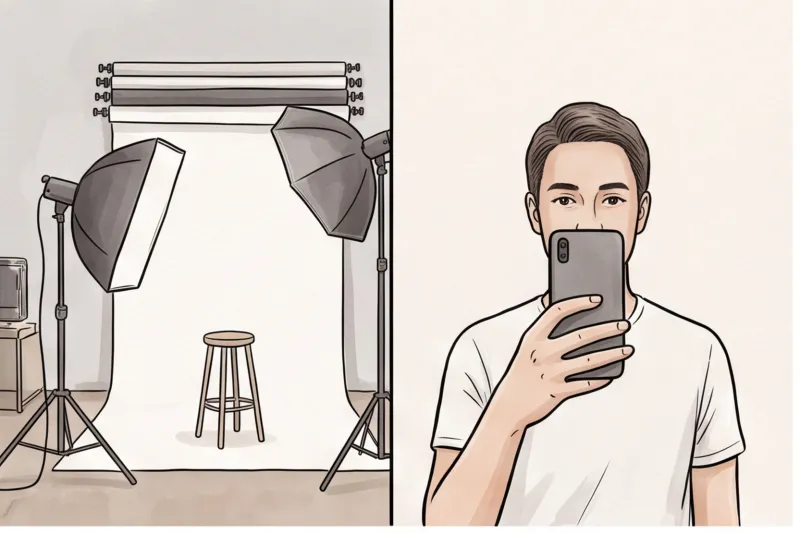
How Much Does a Passport Photo Cost? Understanding the Pricing Models
The true passport photo cost is a combination of the baseline price you pay for the image and the assurance that it meets strict government biometric standards. While exact fees fluctuate significantly depending on the country and region, opting for the cheapest available option can result in expensive application delays. When budgeting for your travel documents, it is vital to weigh the initial price tag against convenience and compliance certainty.
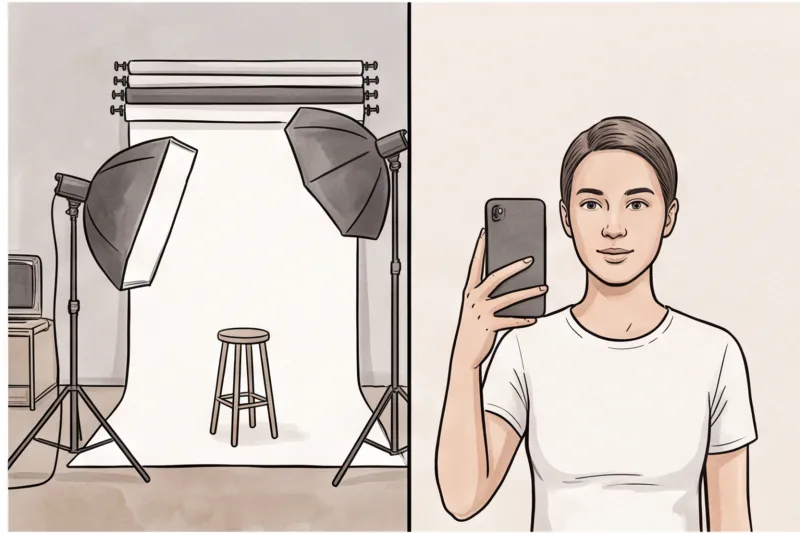
Broadly, applicants choose between three distinctly different pricing models when securing their document photos:
- Professional Photo Studios: This is typically the most expensive option. You are paying for a dedicated session, professional studio lighting, and the time of an experienced photographer.
- Retail Stores and Pharmacies: A mid-tier option that relies on a basic point-and-shoot setup in a busy environment. While more budget-friendly than a studio, the staff are rarely photography experts.
- Professional Online Services: A highly cost-effective, modern alternative. Using a professional online service like PhotoID24 allows you to upload a standard home selfie and receive an image that meets official requirements in minutes, eliminating studio overheads.
No matter which model you choose, remember that you are not simply buying a piece of photographic paper or a digital file. You are paying for technical compliance. Different authorities have precise, non-negotiable specifications — such as a 2 × 2 inch format for the US Department of State, or a 35 × 45 mm standard for most European passports. The cost covers the provider's ability to guarantee that the head-height ratio, background color, and lighting perfectly align with these rules.
This introduces the critical concept of "hidden costs." An improperly formatted photo from a rushed retail counter might be cheap upfront, but it is a false economy. In practice, a non-compliant photo is the leading cause of application rejection. When a photo fails, you lose weeks in processing time, you may forfeit non-refundable government fees, and you will have to pay for a reshoot anyway. Ultimately, the most cost-effective passport photo is the one that guarantees compliance the very first time.
Traditional Photo Studios vs. Retail Stores: What is the Price Difference?
Getting a passport photo at a professional studio usually costs significantly more than visiting a local retail store or pharmacy. The price difference comes down to the environment and the equipment: studios charge a premium for dedicated lighting and photographic expertise, while retail stores offer a cheaper, point-and-shoot service built for speed rather than precision.
A traditional photo studio is typically the most expensive option available. When you book a session, you are paying for an experienced photographer who understands how to properly light a subject to avoid harsh shadows, over-exposure, or colour casts. They use professional camera gear and calibrated backdrops to ensure a perfectly plain, light, and uniform background. For applicants with complex requirements — such as ensuring voluminous hair does not alter the necessary head-height ratio without covering the face — a studio provides a highly controlled environment.
On the other hand, getting your photo taken at a retail store, pharmacy, or post office is generally much more budget-friendly. These locations rely on a basic point-and-shoot setup. You are usually seated against a pull-down screen in the middle of a busy shop floor, and the entire process is designed to take just a few minutes.
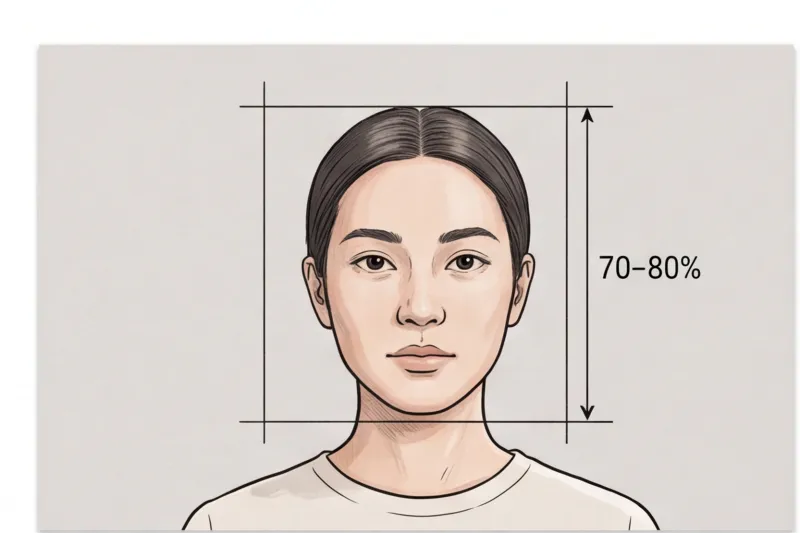
However, in practice, the lower price at retail stores often comes with a higher risk of rejection. The staff operating the camera are rarely trained photography experts; they are usually store clerks fitting the photo task between serving other customers. This rushed, uncontrolled environment frequently leads to critical biometric failures. Common issues include shadows cast on the background due to harsh overhead fluorescent lighting, visible background texture from a wrinkled screen, or improper head positioning where the face is not completely centred. Many countries mandate that the face fills roughly 70–80% of the frame height, and a hurried retail clerk may easily crop the photo incorrectly.
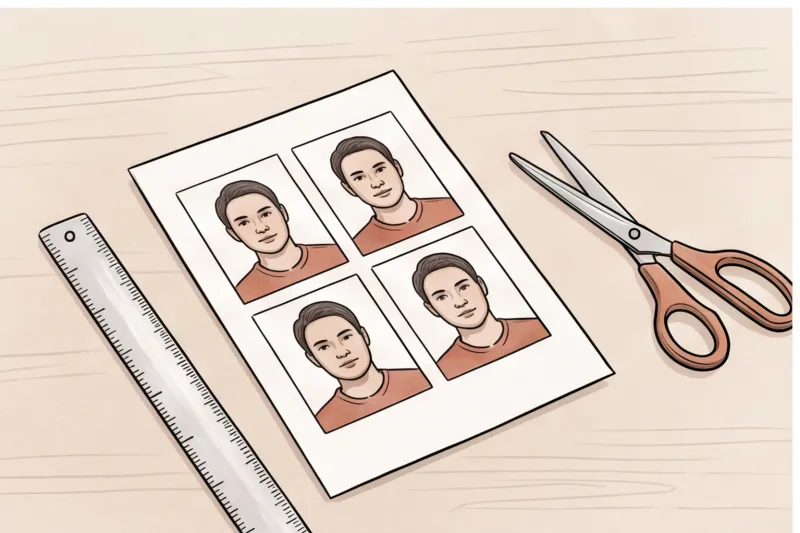
Furthermore, the initial budget price at a pharmacy can be misleading. Many authorities now accept or require a digital photo for online applications, which comes with its own pixel size and file-size limit. If you request both printed copies and a digital code or file for online submission, some retail locations will charge an extra fee for the digital format. This upsell quickly pushes the total cost much closer to a professional studio fee.
Get your document photo in 2 minutes
Upload a normal selfie and receive a compliant document photo that meets the official technical requirements for your country and document — ready to print or submit online.
Make my photoWhy Do Infant Passport Photos Often Cost More at Studios?
Parents are often surprised to find that a studio charges a significant premium for a newborn or young child's passport photo. Photographing babies is notoriously difficult and requires extra time, patience, and specialized setups. Official biometric rules state that only the child can be in the photo. This means no hands supporting the child's head can be visible in the frame, and items like dummies (pacifiers) or toys are strictly prohibited.
While many national authorities relax the strict neutral-expression and eyes-open rules for infants, the baby still needs to be captured facing the camera against a plain, light background with even lighting. Studios frequently charge extra for the extended session time required to carefully position the child and wait for a compliant moment without harsh shadows or background distractions.
Because of these high studio premiums and the logistical stress of a professional shoot, taking the photo at home with an online service is significantly more cost-effective. By laying your baby on a plain white sheet in natural window light, you can take as many photos as you need on your smartphone in a relaxed environment. Uploading that photo to our service, PhotoID24, ensures the image is professionally checked and formatted to meet the official technical requirements for your specific country, saving you the high studio fee entirely.
Can I Take a Passport Photo for Free?
Yes, you can technically capture a passport photo for free using a smartphone against a light wall, but using unchecked free cropping tools is a major risk. While the initial photo costs nothing, free automatic resizers do not check for strict biometric compliance, frequently resulting in rejected applications that cost you significant time and money.
The camera hardware in your pocket is certainly capable. A standard modern smartphone easily exceeds the typical print resolution requirements (commonly 300–600 DPI) set by passport authorities. The "do-it-yourself" approach usually starts off correctly: standing facing a window to get even lighting, and positioning yourself against a plain, uniform background without patterns, shadows, or other objects in the frame.
However, technical composition is exactly where free tools fail. When applicants run their selfie through a free automatic resizer, the software simply cuts the image to a specified size — such as 35 × 45 mm for a UK or European passport, or 2 × 2 inches (51 × 51 mm) for a United States document. It does not verify the critical biometric principles outlined in international standards like ICAO Doc 9303. A free resizer will not warn you if your expression is slightly non-neutral, if hair is obscuring your face outline, or if your head fails to fill the required 70–80% of the frame height. It also cannot flag harsh shadows behind the head, incorrect exposure, or minor colour casts.
This makes the completely "free" route a dangerous false economy. Passports and visas are highly regulated official documents. Relying entirely on an unchecked DIY method means you bear the full risk of non-compliance. In practice, a photo rejected for uneven lighting or improper head positioning delays your entire application, jeopardizes travel plans, and forces you to organize an emergency reshoot anyway.
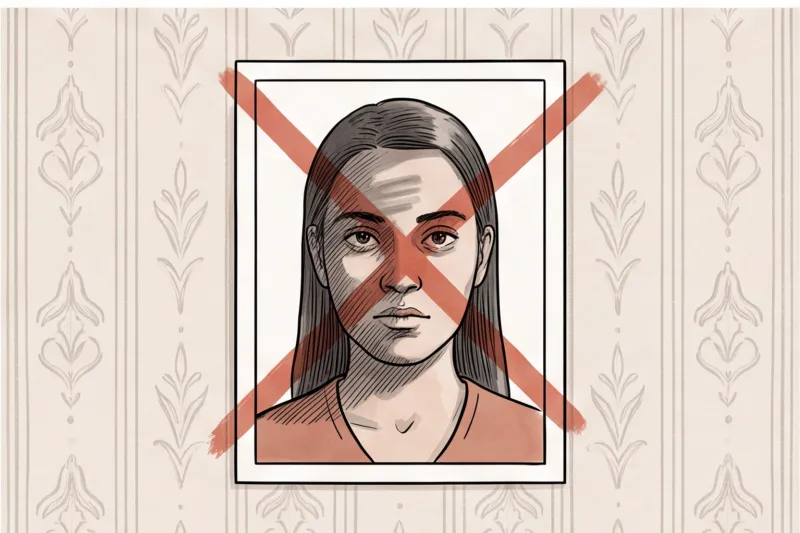
To avoid these hidden costs, you can still take the photo yourself but leave the compliance to professionals. By using a service like PhotoID24, you simply upload your home selfie. It is professionally processed to meet the exact official technical requirements for your specific country and document in minutes, giving you a compliant result without the guesswork.
The Hidden Costs of Passport Photo Rejections
A rejected passport photo costs you far more than the price of a new print; it triggers suspended applications, potential loss of processing fees, and the steep expense of emergency expedited services if travel dates are approaching. The true price of a non-compliant image is the financial and emotional stress of a delayed document.
When a passport or visa authority rejects your photo, they immediately pause your application. You lose your place in the processing timeline and receive a letter demanding a new, compliant image. The money you spent on the initial, flawed photo is already wasted, meaning you must pay for an immediate reshoot. Worse, if you fail to submit a replacement photo within the government’s specified deadline, your entire application may be cancelled, forcing you to forfeit the government application fee and start the process again from scratch.
In practice, the most frequent reasons a photo is rejected are tied to strict biometric standards that basic retail setups often miss. These mistakes cost applicants significant time and money:
- Non-neutral expressions: Smiling, frowning, or having your mouth open alters your facial geometry and guarantees a rejection.
- Shadows and uneven lighting: A compliant photo requires even lighting. Harsh shadows across your face or a visible shadow cast on the plain, light background are immediate grounds for failure.
- Incorrect head-height ratio: While sizes vary by country, most standards mandate that the face fills roughly 70–80% of the frame height. A head that is too large or too small in the frame will not pass the dimensional check.
- Wearing glasses: Many nations, including the US, the UK, and EU member states, have outright banned glasses for passport photos. Even in countries where they are allowed, the slightest glare on the lenses or a frame covering the eyes will ruin the photo.
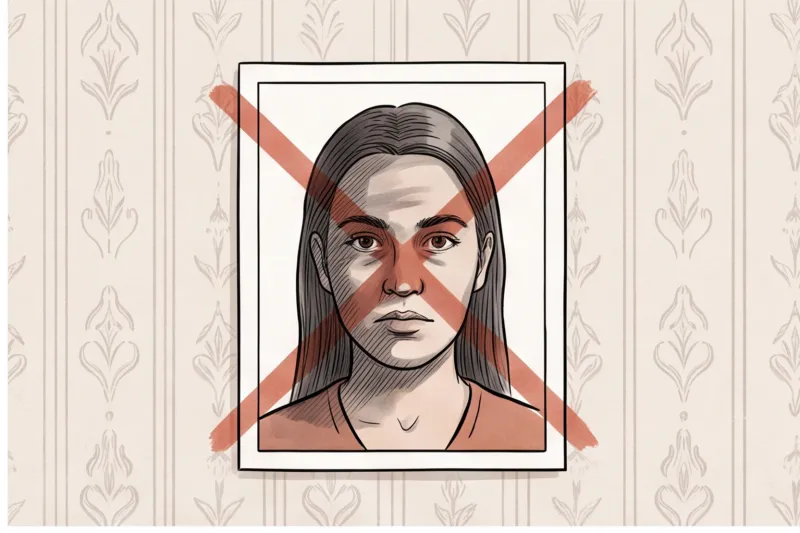
The most severe hidden cost occurs when a rejection derails a scheduled trip. If an impending flight is jeopardized because your application stalled over a bad photo, you are forced to pay premium government fees for an expedited passport replacement or secure a costly emergency appointment. When weighed against the risk of losing non-refundable flights or hotel bookings, ensuring your photo meets the official technical requirements the first time is essential.
Ready to prepare your document photo?
Skip the studio. Upload a selfie and get a professionally prepared photo that meets the official technical requirements in about two minutes.
Get startedDigital vs. Printed Passport Photos: Do They Cost the Same?
Digital and printed passport photos rarely cost the same at retail locations, where you are frequently charged a secondary fee to receive the digital file on a USB drive or via email. While many government portals now require digital uploads, acquiring both formats from a traditional physical shop significantly inflates your total expense.
Immigration authorities worldwide are transitioning to online applications. For example, the United Kingdom seamlessly accepts digital photo submissions directly through GOV.UK, and the U.S. Department of State mandates digital photo uploads for several online visa portals via travel.state.gov. Despite this digital shift, many pharmacies and post offices still treat the physical print as their core product. If you ask for the digital file required for your online submission, they routinely treat it as a premium add-on, sometimes doubling the initial baseline price you expected to pay.
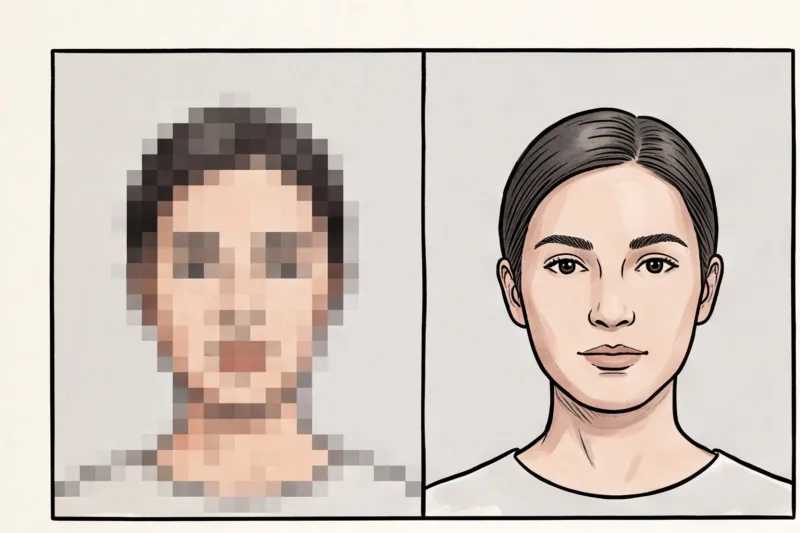
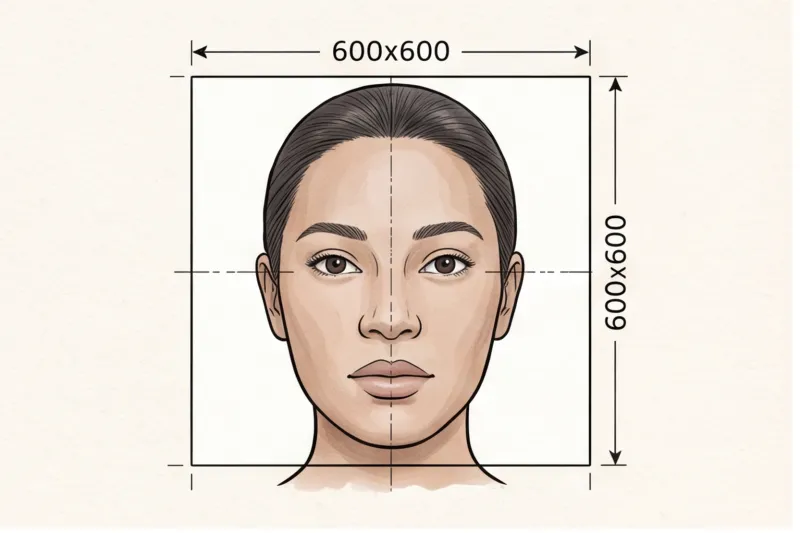
Furthermore, outdated retail kiosks can be highly problematic for digital submissions. Every country enforces strict digital specifications, including precise pixel dimensions and maximum file-size caps. The United States, for instance, requires a digital image of at least 600 × 600 pixels. When a retail worker simply emails you a scan of a printed photo or exports it from an older system, the resulting file is often subjected to heavy JPEG compression or incorrect pixel scaling. This technical degradation frequently causes the file to be instantly rejected by the government's online validation tool.
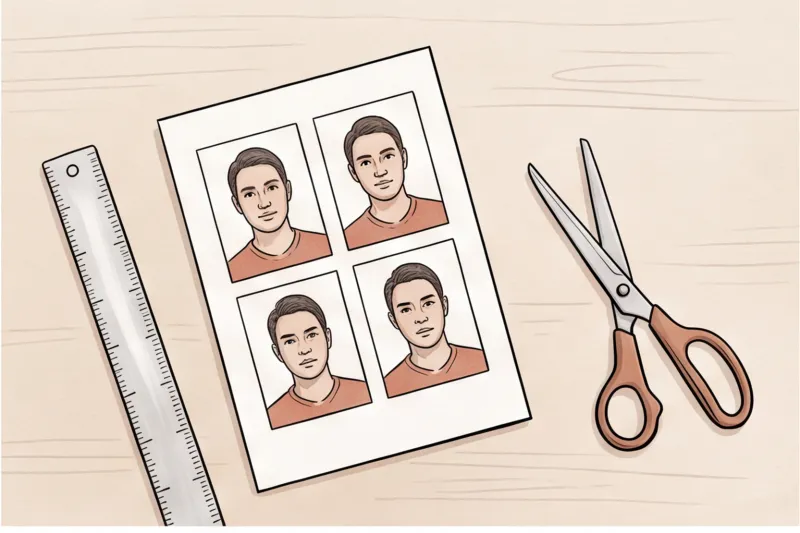
Alternatively, if you secure a compliant digital file first, printing it at home requires specific materials and exact scaling. You cannot use standard copy paper; you must print on high-quality photographic paper, adhering to the specific matte or glossy requirement of the issuing authority. More importantly, the print must be precisely scaled to the country's required dimensions. Whether you need the widespread 35 × 45 mm format for European and UK documents or a 2 × 2 inch (51 × 51 mm) photo for a U.S. passport, the image must be printed at exactly 100% scale with no visible white borders.
Common Mistakes That Waste Your Money on Passport Photos
The fastest way to waste money on a passport photo is submitting an image that violates strict biometric guidelines. In practice, applications are frequently rejected — costing you both lost processing time and the price of an immediate reshoot — due to digital editing, wearing glasses, outdated photos, or incorrect printing materials. Avoiding these traps ensures you only pay your passport photo cost once.
Myth: 'I can edit my photo to look better.'
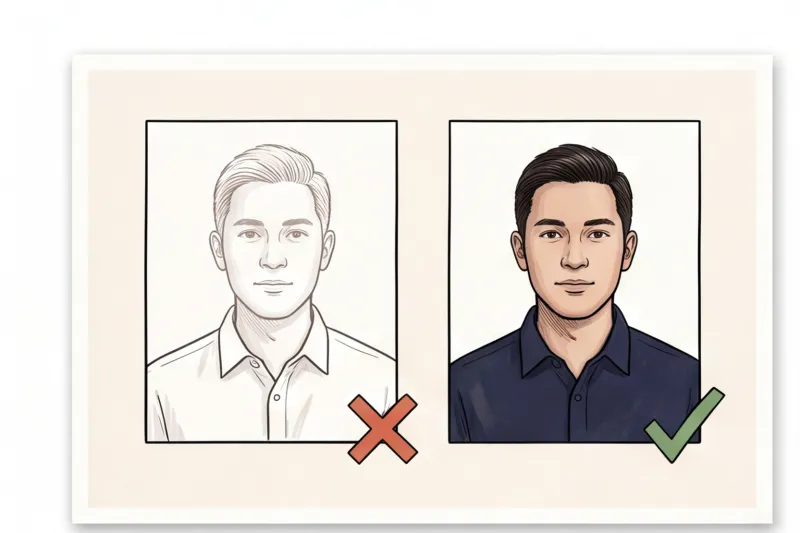
Fact: Digital beautification, filters, and heavy retouching are strictly banned and lead to immediate rejection. Under international standards like ICAO Doc 9303, the photo must look exactly like you. While removing a temporary blemish is generally acceptable, reshaping your face, altering your skin tone, or smoothing out natural features will flag the image as manipulated.
Myth: 'Wearing glasses is fine if there is no glare.'
Fact: Eyewear rules have changed drastically. Many countries have completely banned glasses for passport photos. For example, the U.S. Department of State, the UK via GOV.UK, and most of the EU now forbid them entirely. Even if your frames do not cover your eyes and have no reflection, wearing them will trigger a rejection. Unless you have a specific, documented medical exemption permitted by the destination country, you must remove your glasses.
Get your document photo in 2 minutes
Upload a normal selfie and receive a compliant document photo that meets the official technical requirements for your country and document — ready to print or submit online.
Make my photoMistake: Submitting an old photo.
Trying to save cash by reusing a picture from an old application is a false economy. Authorities require photos to be recent, typically taken within the last 6 months, so they accurately reflect your current appearance. Reusing an old, paid photo is easily detected — often because it matches a previous document in the government's system — and will result in rejection, forcing you to pay for a new session anyway.
Mistake: Printing on plain copy paper instead of high-quality photographic paper.
If you need to submit physical copies, printing a digital file on standard office paper guarantees a rejection. Official guidelines demand high-quality photographic paper (matte or glossy, depending on the specific country's rule). The print must also meet the authority's resolution standard, which is commonly 300–600 DPI. Plain paper degrades sharpness, introduces pixelation, and fails the strict technical quality checks.
How to Get a Compliant Passport Photo Cost-Effectively at Home
You can get a fully compliant passport photo cost-effectively at home by using a professional online service like PhotoID24, which processes a standard smartphone selfie to meet official government requirements in minutes. This approach strikes the perfect middle ground: it provides the strict compliance checks of a premium studio while maintaining the budget-friendly convenience of a do-it-yourself method.
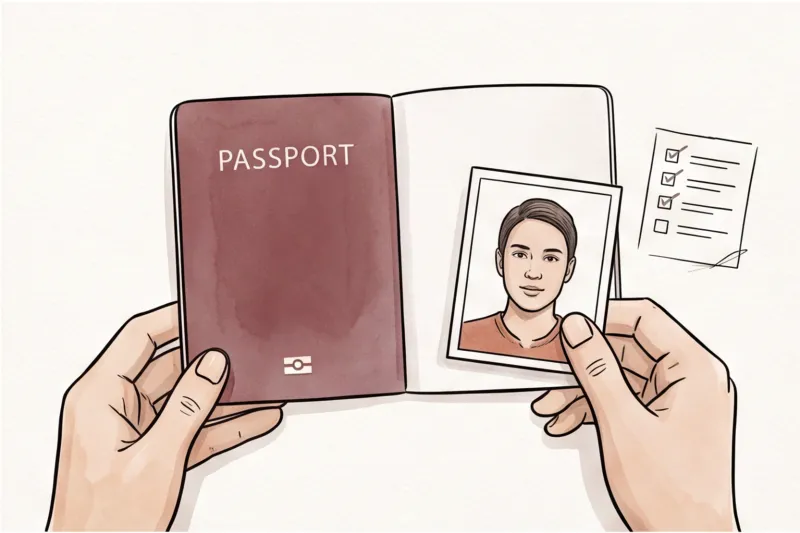
Taking the photo yourself means you control the environment and the schedule, completely avoiding the premium fees charged by professional studios. You also bypass the risks of retail stores and pharmacies, where busy staff using basic point-and-shoot setups often produce photos with harsh shadows or incorrect head positioning. To get started, you only need a modern smartphone — whose camera easily exceeds typical government print resolution requirements — and a basic understanding of universal biometric rules.
For a successful home photo session, follow these critical, actionable steps before you snap the picture:
- Find the right background: Stand in front of a plain, light, and uniform background (white or light grey). Ensure there are no patterns, textures, or objects in the frame.
- Ensure even lighting: Face a window to get natural, even light across your face. This prevents the harsh shadows behind your head or under your chin that commonly cause application rejections.
- Maintain a neutral posture: Keep your head centred and level, with your shoulders square to the camera. Look directly at the lens.
- Check your expression and accessories: Keep a neutral expression with your mouth closed and both eyes clearly visible. Remove your glasses entirely, as they are now banned for passports in many countries, and ensure no hair obscures your face.
Once you capture a photo taken within the last six months that accurately reflects your current appearance, the next step is verification and formatting. This is where uploading your standard smartphone selfie to our service, PhotoID24, secures your application. The service evaluates the image against the official rules for your specific destination, ensuring the face fills the correct percentage of the frame — roughly 70–80% in most international standards. It then precisely crops the image to the exact required dimensions, whether that is 35 × 45 mm for Europe and the UK, 2 × 2 inches (51 × 51 mm) for the United States, or any other national format.
Crucially, this method protects you from hidden retail costs. Many physical locations charge you a baseline fee for a printed copy, only to demand an extra fee to provide the digital file required for online applications. A professional online service eliminates this friction by providing a result that is immediately ready for both channels: a digital file perfectly sized to meet official pixel and file-size caps, alongside a ready-to-print sheet that you can output on standard photographic paper.
Do not risk application delays or waste money on rejected photos. Get it right the first time from the comfort of your home. Head over to PhotoID24 right now, select your country and document, and upload your selfie to receive a professional, compliant passport photo in about two minutes.