Student ID Photo
A clean student ID photo from your selfie — neutral background, correct crop and the pixel size your school or university asks for. Free preview.
- Meets ICAO 9309
- SSL-secured payment
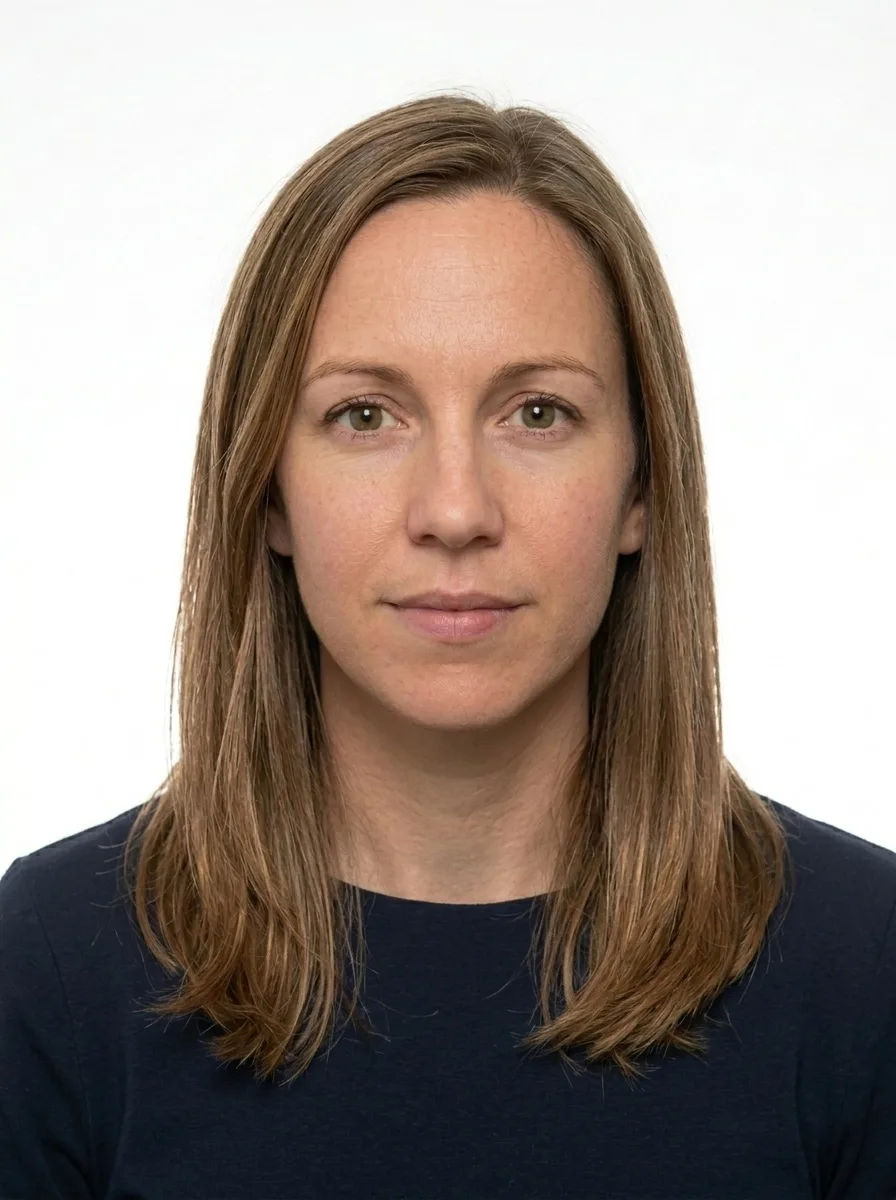
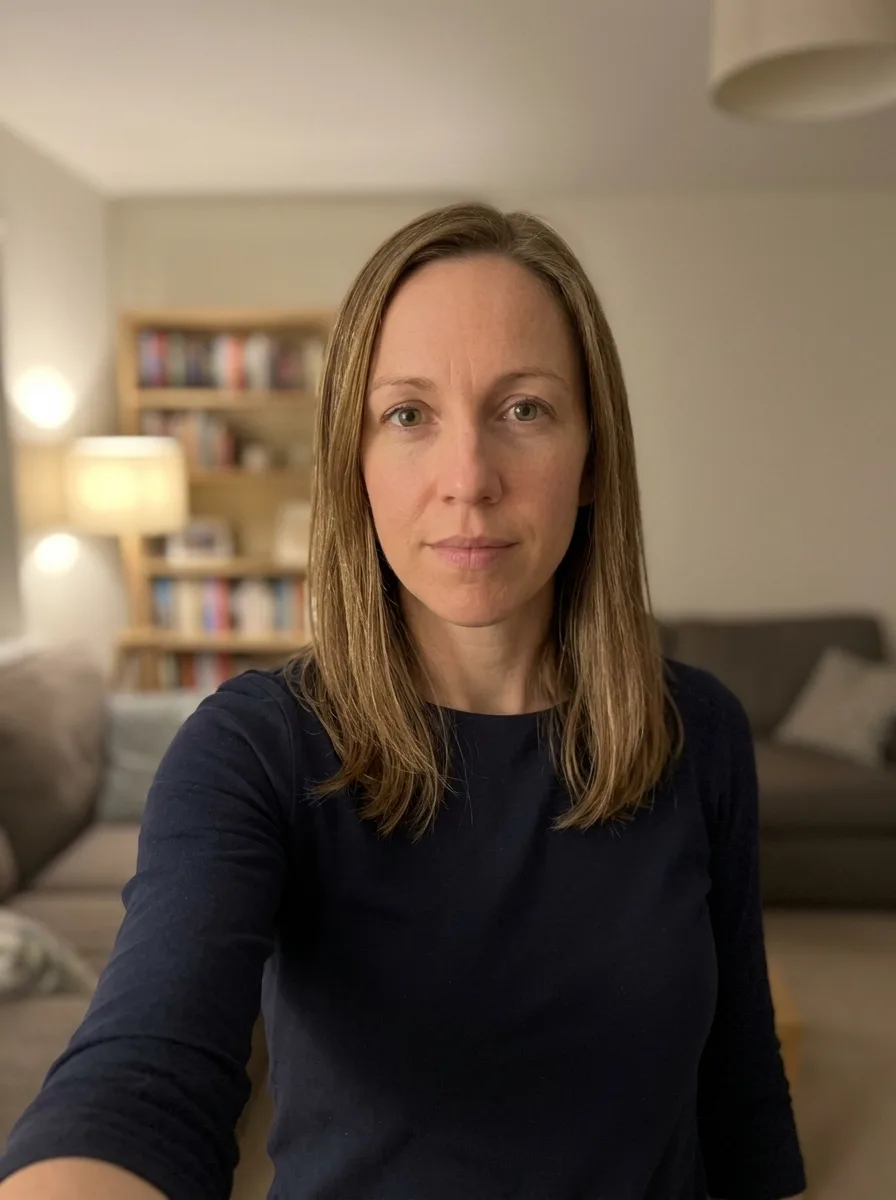
Where to take the photo from?
Processing your photo...
Loading the image…
Done! Review and pay
This is a watermarked preview. After payment we send the clean file, ready to submit.
Check against document requirements
| Delivery | File by email right after payment |
|---|---|
| Included | Photo + self-print sheet — free |
| Guarantee | Rejected? Refund or free redo |
| Standard | Meets ICAO 9309 |
| Payment | Secure (SSL) · Visa · Mastercard |
| Privacy | GDPR · photos deleted automatically |
A better photo is needed
- Good even lighting, no shadows
- Face straight, neutral expression, mouth closed
- Plain light background
- Camera at eye level, not too close
A ready photo in three steps
Upload a photo
Camera or gallery.
We prepare it
White background, the exact size and resolution for your document.
Download and submit
Pay and get the ready file by email — for 9,99 €. Free re-edits until your document is accepted.

About this photo format
A student ID card carries your photo for the length of your studies, so it pays to start with a clean, well-lit image. PhotoID24 prepares a correctly sized 35x45 mm student card photo from a picture you take at home, giving you a neat, recognisable headshot for your school or university card.
A student ID photo is an identification photo rather than a formal travel document, but a tidy, properly framed image still makes verification and printing easier on campus.
What this photo is for
The student ID photo appears on the card you use to access buildings, libraries, exams, transport discounts and campus services. Staff and automated systems use it to confirm that the card belongs to you, so the image should clearly show your face, look like you, and remain recognisable for several years. A clear headshot also reproduces better when the card is printed at small size.
Exact specification
We prepare the photo at 35x45 mm with the head occupying about 33.75 mm of the frame, generally between 60% and 80% of the height. The background is a plain white, glasses are allowed as long as your eyes are visible, the expression is neutral, and the file is delivered as a JPG of up to 2 MB at 300 dpi.
- Dimensions: 35x45 mm
- Head height: about 33.75 mm (roughly 60-80% of the frame)
- Background: plain white
- Glasses: allowed, if your eyes are clearly visible without glare
- Expression: neutral, mouth closed
- Headwear: not used, except where worn daily for religious reasons
- File: JPG up to 2 MB, 300 dpi
Common rejection reasons
Cards are often reprinted because the original photo was too dark, blurry, or taken at an angle, because the head was far too small in the frame, or because a busy background made the face hard to read after printing. Heavy filters, sunglasses, hats and selfies held very close to the face also cause problems, since they distort proportions or hide your features.
How we prepare your photo
Send us a recent, front-facing photo taken in even light. We centre and straighten your head, set the correct proportion, replace the background with a clean white, balance brightness so your features stay clear at small print sizes, and crop precisely to 35x45 mm. The result is a tidy, recognisable headshot ready to upload to your institution's card system or to hand in at the card office.
Tips for a good campus card
Because the card stays with you for years, choose a photo that reflects how you usually look. Use soft daylight, face the camera squarely, keep your hair clear of your eyes, and avoid anything that covers your face. A neutral expression keeps the image clean and easy to verify. Institutions often have their own upload portals and may state specific size or background rules, so check your school or university guidance first; the 35x45 mm white-background photo we prepare is a widely accepted, print-friendly starting point that suits most student card systems.
A photo you can live with
Unlike a passport that you renew every several years, a student card often stays in use for an entire course, so you will be showing this photo at the library desk, at exam halls and at campus events for a long time. That makes it worth choosing an image you are comfortable with, taken on a day when you are well rested and the light is kind. A relaxed, neutral expression photographs better over time than an exaggerated pose or a heavily styled look that you may not recognise yourself in a year later.
Practical details help too. Wear something with a defined neckline and a colour that stands apart from a white background, so your shoulders do not blend into the frame. Avoid very bright reflective jewellery near your face, and tuck long hair back from your eyes. These small choices keep the printed card crisp and your face easy to identify at a glance, which is exactly what campus staff and entry systems need.
With PhotoID24 you avoid awkward queue-and-snap booths at the card office. You upload an ordinary photo, we handle the framing, background and proportions, and you receive a clear, properly sized file for your student ID.
How we make sure your photo is accepted
Every photo is prepared against the official requirements for your document — not a generic template. Here is what that means in practice:
- 1We crop and size your photo to the exact millimetre and pixel dimensions the authority requires.
- 2We check the background, head position, gaze and lighting, and flag glasses or head coverings that are not allowed.
- 3We match the rules to the specific document and country, against the exact format requirements.
- 4If anything does not meet the standard, you get a free re-do or your money back.
See exactly what a compliant photo looks like
Tap any requirement to see what it means on a real photo.
- Size
- 35 × 45 mm · 413 × 531 px
- Background
- White plain
- Head in frame
- 60–80%
- Glasses
- Allowed
- Facial expression
- Neutral, mouth closed
- Headwear
- Not allowed
- File
- JPG · ≤ 2 MB
Print size is 35 × 45 mm and the digital file is 413 × 531 px.
Requirements verified: 09.2026
A digital photo is normal — and it gets accepted
You do not need a trip to a studio. Authorities accept any photo that meets the official requirements — what matters is the standard, not where the photo was made. We match that standard exactly.
The standard is what counts
Officials check your photo against the rules — size, background, head position and lighting — not where you took it.
Part of official processes
Many passport, visa and ID services let you upload a digital photo or submit a print — both are fine when they meet the spec.
Same result as a studio
We prepare your file to the exact official measurements, so it is accepted just like a professional studio photo.
And you are covered
If a photo is ever rejected for not meeting the requirements, we redo it for free or refund you.
Three ways to get a document photo
A professional online service, a local photo studio, or editing it yourself — here is how they compare.
| What matters | PhotoID24 | Photo studio | Editing it yourself |
|---|---|---|---|
| Meets the official standard | Yes | Yes | No |
| Tuned to this exact document | Yes | Depends | No |
| Free re-do if something is off | Yes | No | Depends |
| Done from home, no trip | Yes | No | Yes |
| Ready in minutes | Yes | Depends | Depends |
| Clear, affordable price | Yes | No | Yes |
One honest price
No extra plans. Pay only if the result works for you — preview is free.
- Exact size and background for your document standard
- High resolution — for online submission and printing
- Free re-edits until your document is accepted
- Link by email, securely stored for 7 days
Money back if the photo is rejected
A print-ready sheet is included — print it yourself at any photo kiosk or online service (Walmart, CVS, CEWE, Boots, Rossmann, etc.). Listed services are not affiliated with us. Want ready prints delivered? Add them at checkout. Where to print a document photo →
- Meets ICAO 9309
- SSL-secured payment
- GDPR · photo auto-deleted
- Refund if photo rejected
- Visa · Mastercard
Rejected — we refund you
We are confident in the result. If the photo is still rejected — send us a screenshot and we will refund your payment within 48 hours. No arguments.
- Refund within 48 hours
- Only a screenshot of the rejection is needed
- Money back to your card
What those who already got their photo say
Real stories from people who submitted documents with a photo from our service.
Took a selfie on my phone and a minute later had a proper passport photo. Accepted with no problems.
I was worried about the size and background, but it came out exactly right. Saved me a trip to the studio.
Simple and fast. The free preview let me check everything before paying.
Did it at home in the evening. Looked professional, no issues at the office.
Honestly easier than I expected. Uploaded a photo, downloaded the correct one. Done.
Great for the kids — no need to drag them to a studio. The background came out clean and even.
FAQ
What size is a student ID photo?
Can I wear glasses?
Do I need a white background?
Get your document photo right now
Upload an ordinary photo — in a minute get a file ready for submission. Preview is free.
Get my photo
Drag the slider to compare