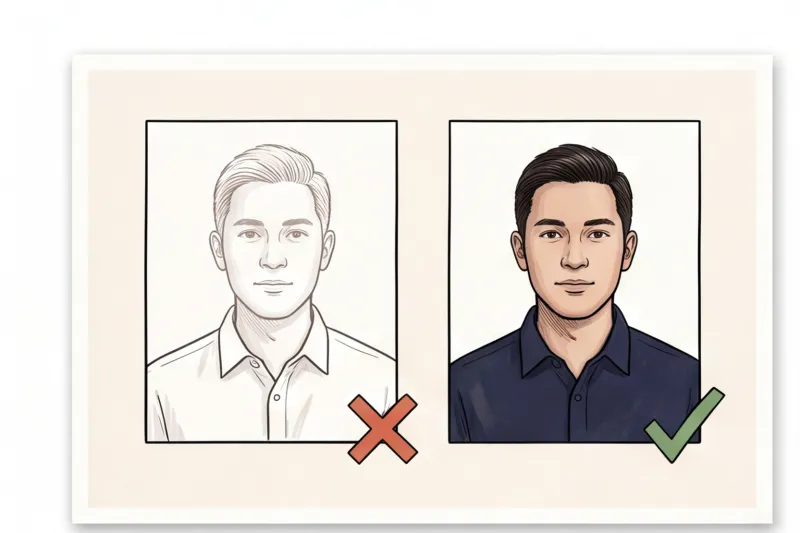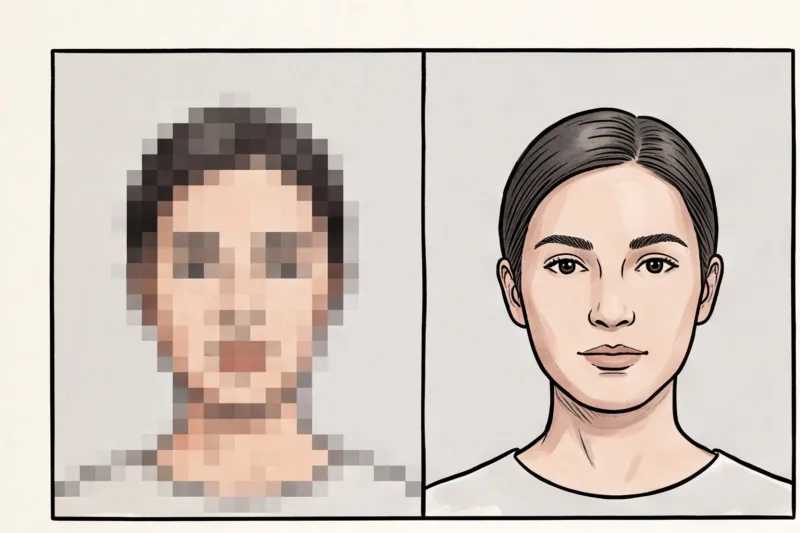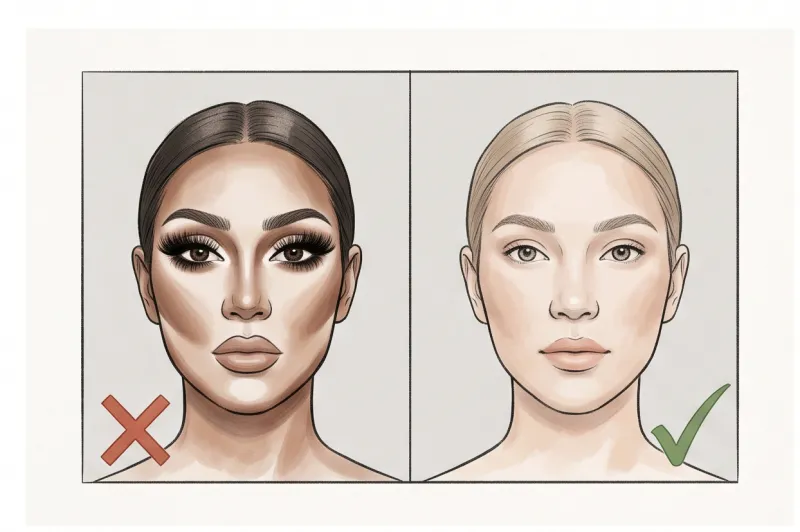
What Are the Passport Photo Requirements for Makeup?
Yes, you can wear makeup in a passport photo, but it must be natural and strictly reflect your everyday appearance. The core rule across all official travel documents is that your picture must be an accurate representation of you right now. If your cosmetics drastically change how you look compared to a typical day, you risk having your application rejected.
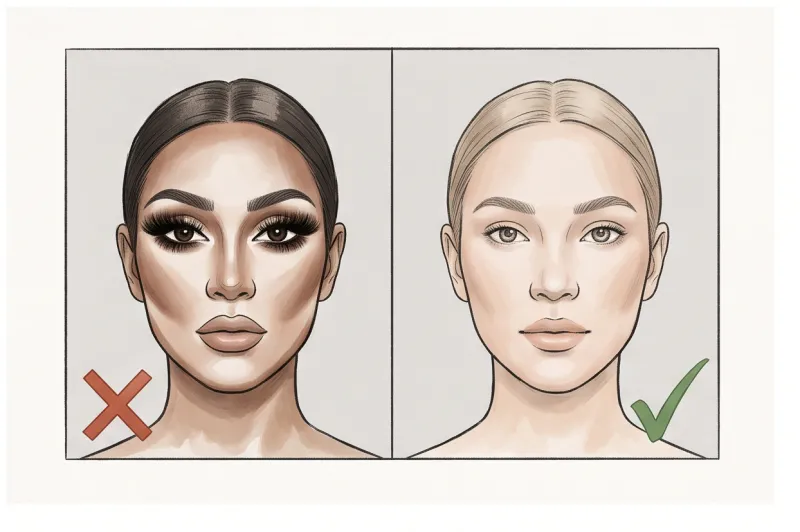
Modern border control relies heavily on automated facial recognition technology. Following the international ICAO Doc 9303 standard for machine-readable travel documents, biometric scanners map the precise geometry of your face. The software measures specific data points, such as the exact distance between your eyes, the width of your nose, and the structure of your chin and jawline.
Because of this precise biometric mapping, heavy makeup that alters your face shape, covers your natural skin tone, or changes your eye shape directly violates the rule against altering your appearance. For example, severe contouring creates false shadows that confuse scanners, while thick eyeliner can distort the readable boundary of your eyes. Most major authorities, including the US Department of State and the UK's GOV.UK, explicitly state that photos must show your current, unadulterated appearance — typically taken within the last 6 months. For a broader look at baseline government expectations, we cover the full rules in our complete guide to global passport photo requirements.
What Will Get a Passport Photo Rejected Due to Makeup?
A passport photo will be rejected due to makeup if the cosmetics create glare, cast shadows, obscure your eyes, or drastically change your natural appearance. In practice, the most frequent reasons a photo is rejected due to makeup stem directly from lighting, shadows, and obscured features rather than the makeup itself.
Highlighting and glossy lips are among the most common mistakes. These products are explicitly designed to catch light, which creates localized glare and reflections on your face. Passport standards require perfectly even lighting with zero glare. When a camera or flash hits a shimmering highlighter or a wet-look lip gloss, it produces bright white spots on the image. This masks your actual skin tone and prevents the biometric software from accurately reading your facial surface.
Heavy contouring presents the exact opposite technical problem. Applying dark powders or creams to emphasize cheekbones or narrow the nose registers to a biometric scanner as harsh shadows on the face — which is a universal rejection cause. The scanning software cannot tell the difference between a real shadow caused by poor room lighting and an artificial shadow painted on with a contour palette. This directly violates the rule requiring uniform exposure and alters your fundamental face shape.
Get your document photo in 2 minutes
Upload a normal selfie and receive a compliant document photo that meets the official technical requirements for your country and document — ready to print or submit online.
Make my photoFinally, thick eyeliner and fake eyelashes frequently ruin otherwise perfect photos. Official regulations mandate that both eyes must be completely visible. Long, fake lashes often protrude downward, casting physical shadows directly over the iris or sclera. Furthermore, heavy winged eyeliner alters the geometric outline of the eye. Because security scanners map the precise distance between the corners of your eyes and other facial features, changing that shape with heavy makeup triggers an automatic failure. Any cosmetic application that drastically changes your appearance violates the core rules of identification. We cover how these technical visibility standards apply globally in our complete guide.
Can You Use Digital Makeup or Filters on a Passport Photo?
Government authorities enforce a strict zero-tolerance policy for digital manipulation, filters, and digital beautification apps. Your photo must look exactly like you do in person, meaning applying "digital makeup" after the fact is not allowed under any circumstances.
In practice, attempting to fix a poorly prepared picture by adding digital cosmetics or using an app to smooth out your skin will almost certainly get your photo rejected. Passport processing systems are built to detect artificial pixel manipulation. Official biometric standards are very clear: there must be no filters, no digital beautification, and no heavy retouching.
There is a distinct line between what is considered a minor acceptable correction and what constitutes prohibited manipulation:
- Generally acceptable: Removing a purely temporary blemish, such as a sudden spot, pimple, or a fresh scratch. Because these will disappear naturally, cloning them out does not change your permanent biometric identity.
- Strictly forbidden: Reshaping your jawline, altering your eye shape, whitening your teeth, or airbrushing your natural skin texture.
If you want a polished appearance, you must apply actual, natural-looking makeup before standing in front of the camera. The final submitted file must be an entirely accurate, unedited representation of your current everyday appearance.
What Are the Rules for a Passport Picture Beyond Makeup?
Beyond your cosmetic choices, every passport photo must strictly adhere to universal biometric principles. The camera must capture your exact facial geometry, meaning you must face directly forward with a completely neutral expression, set against a plain, light background without glasses or non-religious headwear.
In practice, perfecting your appearance is only half the job; your physical pose and expression are where most applicants make mistakes. You must maintain a completely neutral expression with your mouth completely closed. Smiling, frowning, or raising your eyebrows alters your natural resting features and is a universal cause for rejection. Your head must be centered and level, shoulders square, looking directly into the lens with both eyes fully open and unobstructed by hair.
The environment and accessories are just as heavily regulated. The background must be plain, uniform, and light — typically white or light grey depending on the specific country's rules. There can be no patterns, textures, other people, or shadows visible behind your head.
Furthermore, everyday accessories are major rejection triggers. Glasses are increasingly banned globally due to the high risk of lens glare or frames covering the eyes. Unless you have a documented medical necessity that the specific country's authority permits, you must remove them entirely. Similarly, head coverings are not allowed unless worn for documented religious or medical reasons. If an exception applies, your full face must still be completely visible from the bottom of your chin to the top of your forehead, with the covering casting zero shadows across your features.
Ready to prepare your document photo?
Skip the studio. Upload a selfie and get a professionally prepared photo that meets the official technical requirements in about two minutes.
Get startedChecklist: How to Apply Makeup for a Compliant Passport Photo
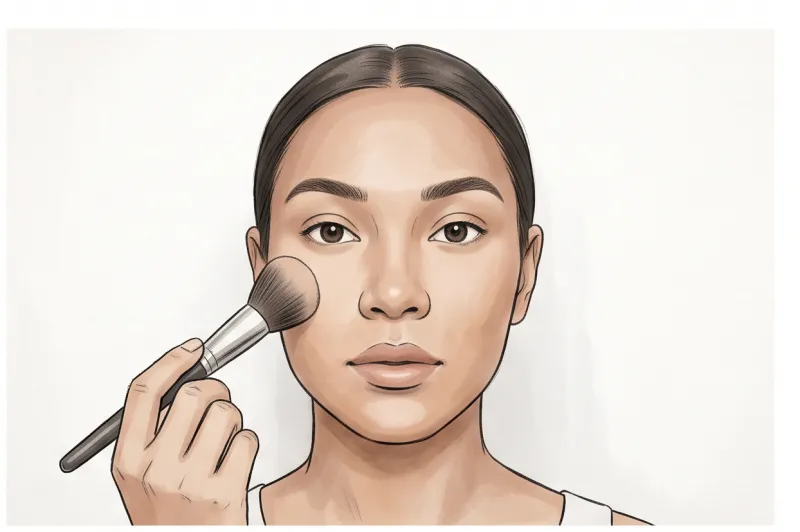
To apply makeup for a compliant passport photo, you must use matte products that precisely match your everyday complexion and avoid anything that creates artificial shadows or glare. In practice, the safest approach is minimal application that focuses solely on an even skin tone.
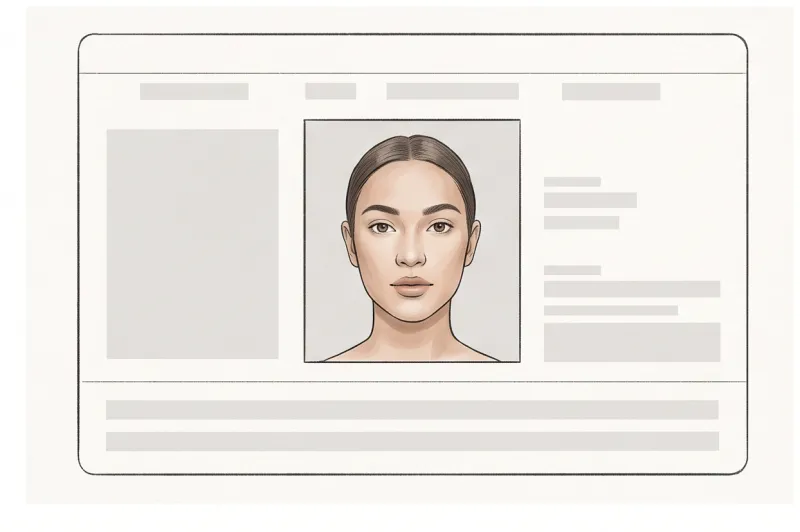
Use this step-by-step checklist to prepare for your photo to ensure it passes biometric screening:
- Use a matte foundation that exactly matches your natural skin tone. If your base is noticeably lighter or darker than your neck, or if it oxidises under camera lighting, the application will likely fail due to a colour cast error.
- Skip the highlighter, shimmer, and glossy lipsticks entirely. Biometric standards demand even lighting with no reflections. Highlighters and gloss catch the camera flash and create glare, which obscures your actual facial features.
- Avoid contouring. Do not use bronzer or dark powders to sculpt your cheekbones or nose. A passport scanner interprets heavy contouring as harsh shadows on the face, which is a universal rejection cause. Let flat, even lighting naturally define your face shape.
- Keep eye makeup minimal. A thin layer of mascara and a neutral eyeshadow are perfectly safe. You must avoid thick wing eyeliner or fake lashes. Fake lashes often cast shadows over your eyes, and heavy liner alters your visible eye shape.
- Ensure your hair is styled away from your face. While not a cosmetic, this step is just as critical. Your hair must not obscure your eyes, cheeks, or the edges of your face. Tuck it behind your ears or tie it back so the entire outline of your face remains fully visible.
How Do I Make a 2x2 Photo for My Passport at Home?
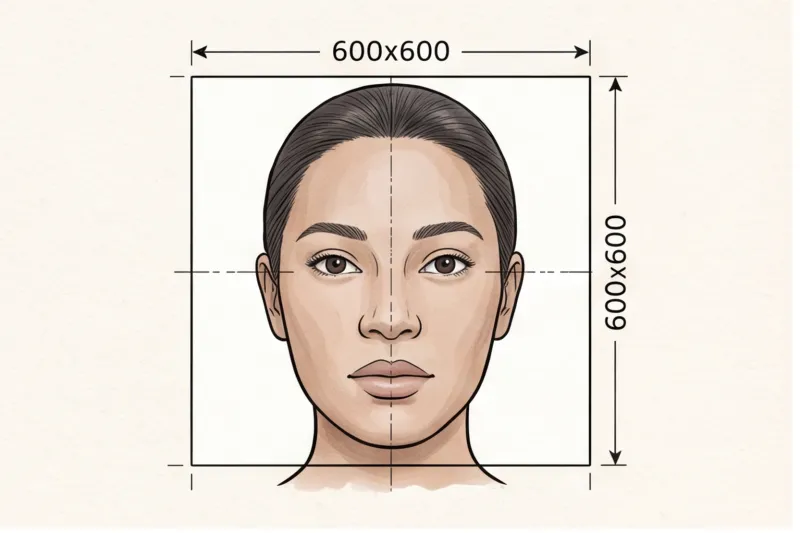
To make a 2x2 photo for your passport at home, apply your neutral makeup, stand against a plain light background, and have someone take your picture (or use a tripod) in even, natural light. If you are applying for a United States passport, the exact required size is 2 x 2 inches (51 x 51 mm). However, you must always check the specific country's rules, as passport dimensions are not universal.
Taking a compliant biometric photo yourself allows you to control your environment and ensure your cosmetics look perfectly natural. Set up in a room with diffused daylight facing a window. This provides the even lighting necessary to prevent your foundation or facial features from casting harsh shadows, which biometric scanners routinely reject. Your background must be uniform—typically white or light grey—with no textures, objects, or visible shadows behind your head. Maintain a completely neutral expression, keep both eyes fully open, and look straight into the camera lens. Because selfies taken at arm's length distort the precise geometry of your face, place your camera on a tripod at eye level or ask a friend to capture the shot from about three to four feet away.
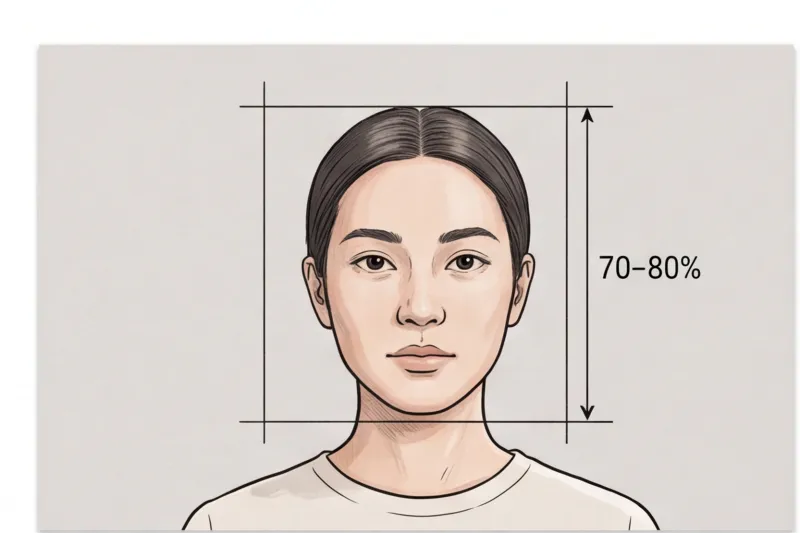
While the United States Department of State strictly mandates the 2 x 2 inch (51 x 51 mm) format, other countries use entirely different metrics. For instance, authorities in the UK and across the EU commonly require a 35 x 45 mm dimension for standard ID documents. Furthermore, biometric rules dictate exactly how much of the frame your face must occupy—usually 70 to 80 percent of the total image height. Attempting to manually crop an image to these precise ratios often results in cut-off features, incorrect headroom, or accidental changes to the image resolution that ruin the photo's technical quality.
Instead of worrying about exact crop ratios, head measurements, or digital file-size limits, use PhotoID24's professional service to handle the technical specifications. You simply upload your normal photo. The service automatically crops your image to the correct specifications—whether you need the US 2x2 inch rule, a 35 x 45 mm European standard, or a strict UK digital format. It checks the final image against official biometric requirements to ensure the lighting, background, and head proportions are perfectly aligned.
Within minutes, the system provides a compliant digital file for your online application or a ready-to-print sheet. This completely removes the risk of a manual formatting error or an accidental digital filter triggering a rejection.
Get your document photo in 2 minutes
Upload a normal selfie and receive a compliant document photo that meets the official technical requirements for your country and document — ready to print or submit online.
Make my photoApplying matte, everyday cosmetics and properly lighting your face are the only steps you need to manage manually. By pairing your natural appearance with a professional formatting tool, you can easily prepare a flawless, compliant document photo today and submit your application with total confidence.